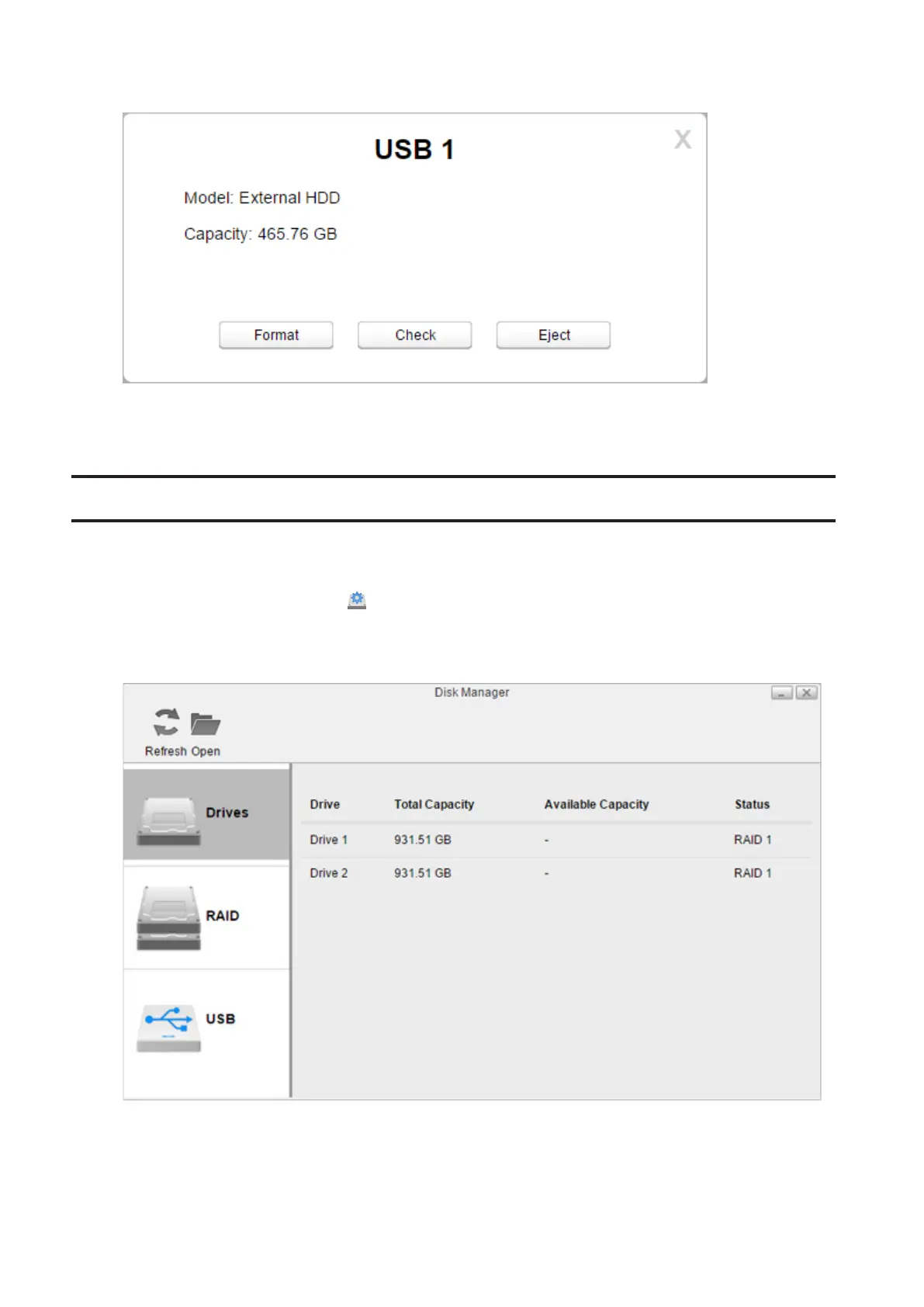
4 Click Eject.
5 The external drive will be dismounted.
Once the drive is dismounted, unplug it from the LinkStation.
Formatting Drives
Note: Since the firmware version 3.00, the drive that used to be used on the different LS500 series is necessary to
format when it’s inserted.
1 From Settings, click Disk Manager ( ).
2 Click the RAID tab to format an internal drive (if there is no RAID array configured, click the Drives tab) or the
USB tab to format an external drive.
44















 To Next Page