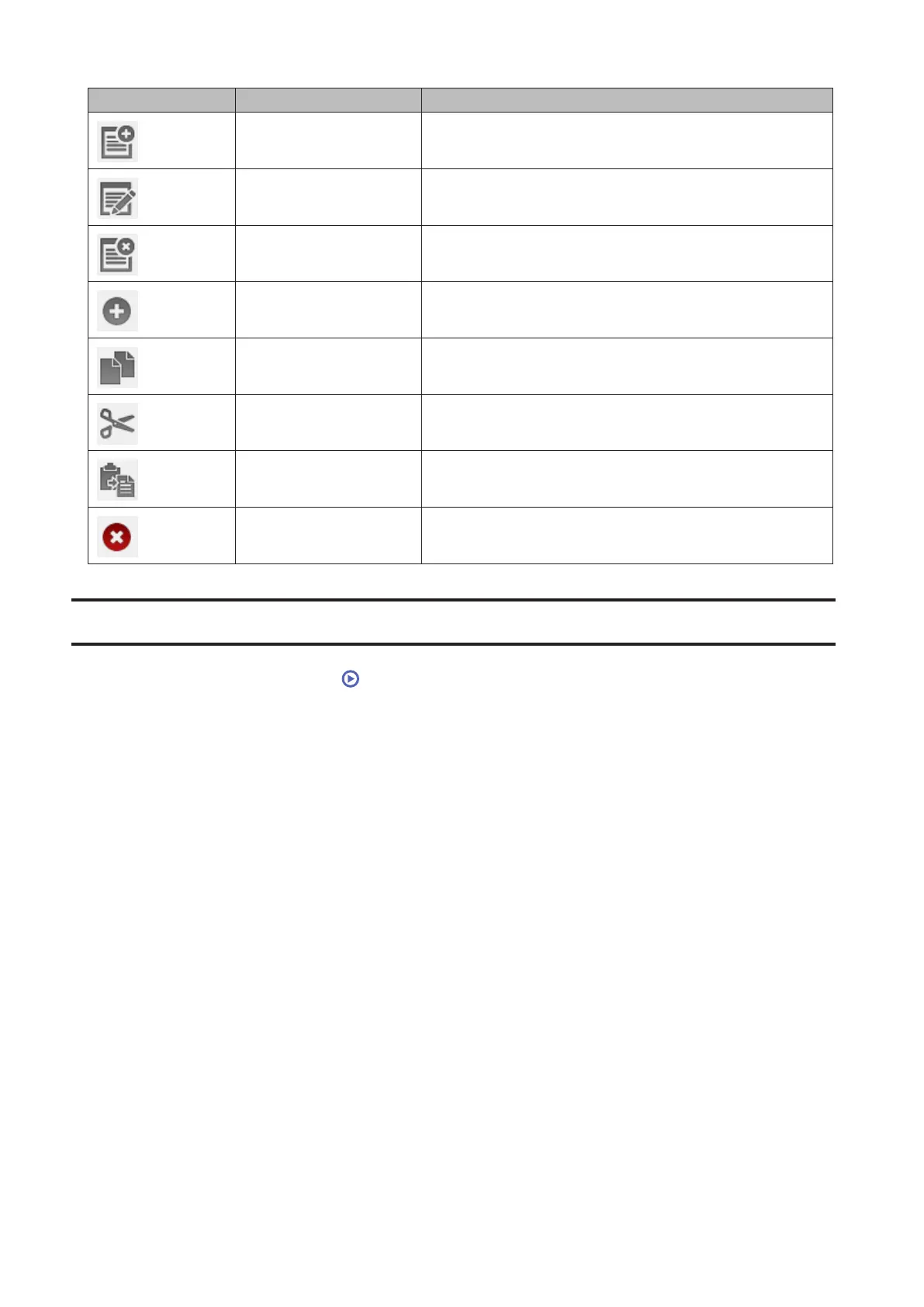
Icons Name Descriptions
Add List Add a new playlist.
Rename List Change the name of a playlist.
Delete List Delete a selected playlist.
Add Items Add a media file to the playlist.
Copy
Create a copy of the selected media file, either from the
current directory or another that is available to the user.
Cut Cut the selected media file.
Paste Paste the cut media file to the new location.
Delete Delete the selected media file.
Creating Playlists
1 From Settings, click Media Player ( ).
31















 To Next Page