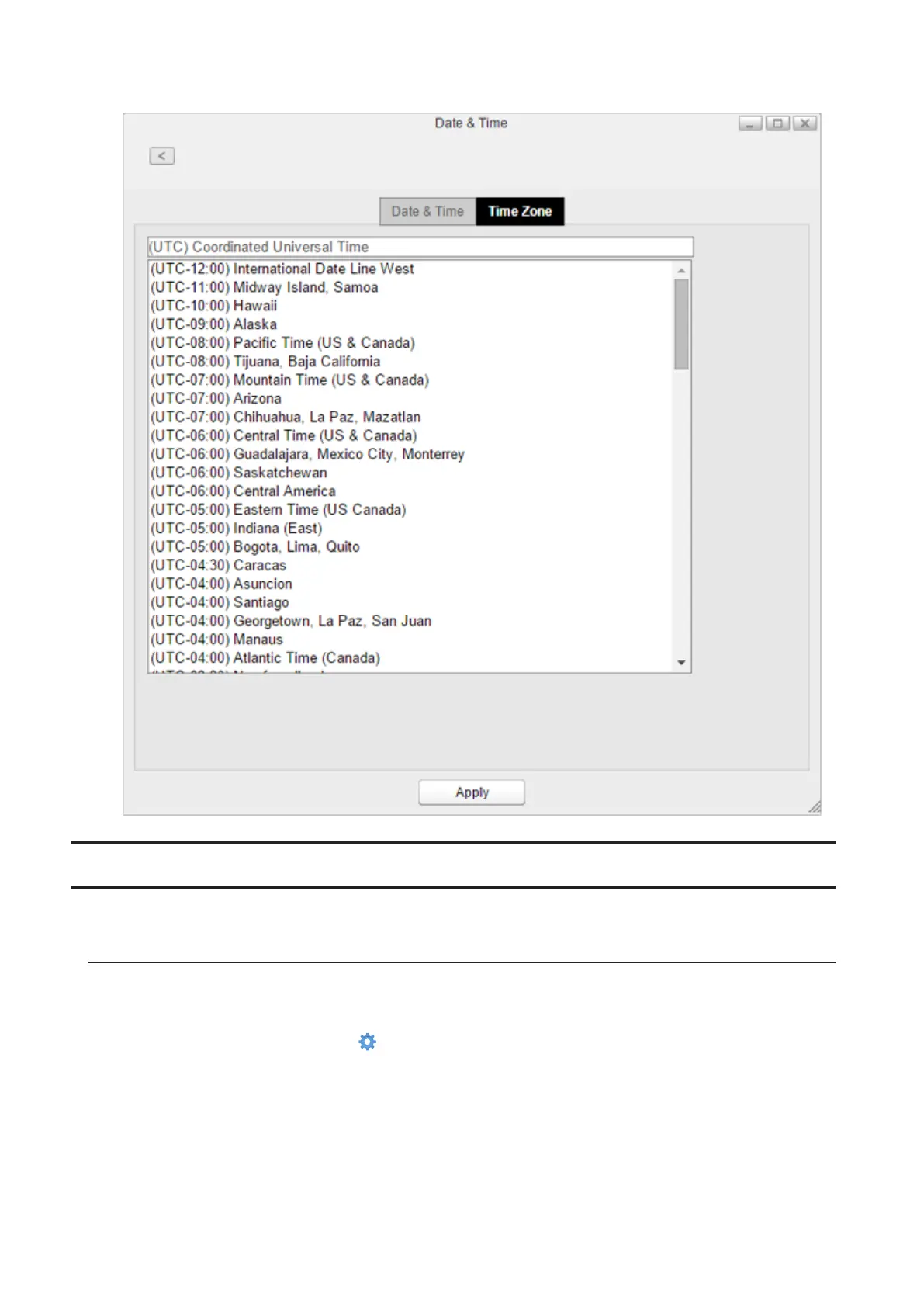
3 Click the Time Zone tab and select the desired time zone from the list, then click Apply.
Power Management
Configures sleep settings for the system or drives.
Drive Spin Down
With this function, only drives will enter sleep mode. This may help maintain drive longevity. While in spin down,
drives will start working again once the LinkStation is accessed.
1 From Settings, click System Settings ( ).
90















 To Next Page