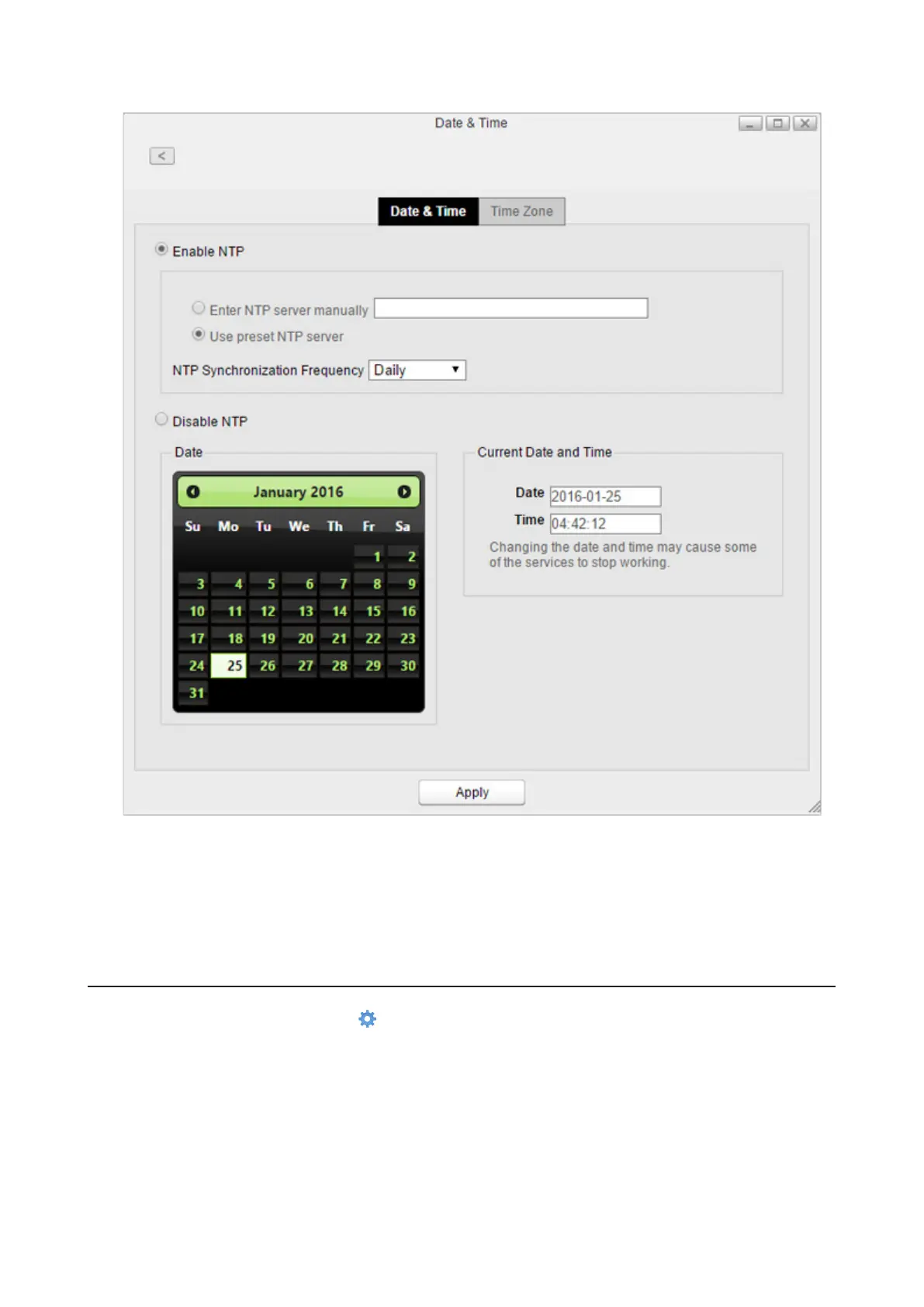
4 Select whether to enable NTP or manually set the date and time.
If NTP is enabled, the LinkStation adjusts its clock automatically by using the NTP server. You can either
enter the NTP server manually or use a preset NTP server on the LinkStation and how often to sync with it. If
disabled, select the date from the calendar or enter the date into the “Date” box, and enter the time directly
into the “Time” boxes.
5 Click Apply.
Changing Time Zone
1 From Settings, click System Settings ( ).
88















 To Next Page