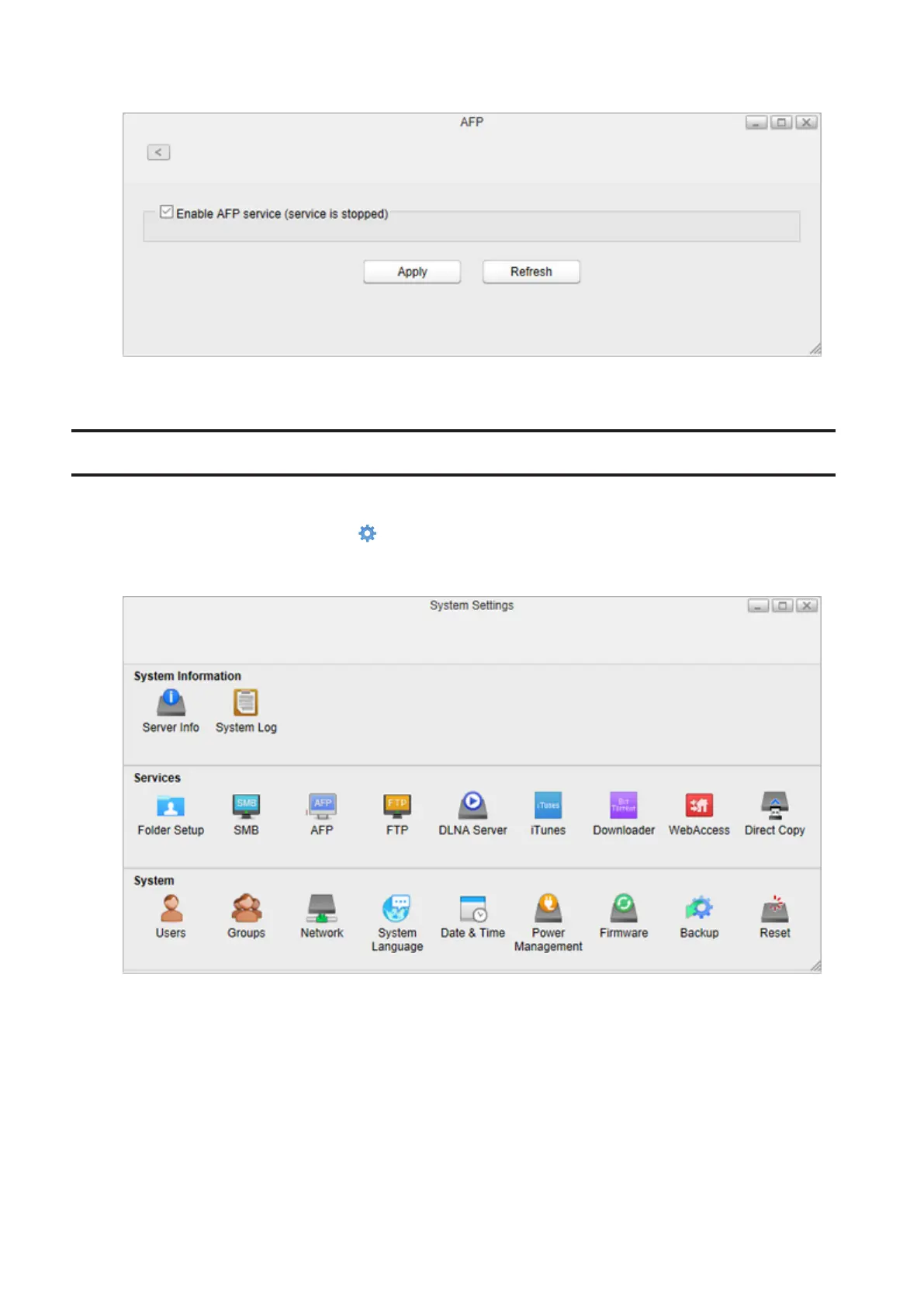
3 Select “Enable AFP service” to enable AFP connections and click Apply.
Even if the file sharing service is enabled, it will not be enabled for the folder automatically. Go to “Folder Setup” and
enable the service for the folder.
FTP
Enable or disable FTP connection of the LinkStation.
1 From Settings, click System Settings ( ).
2 Click FTP.
62















 To Next Page