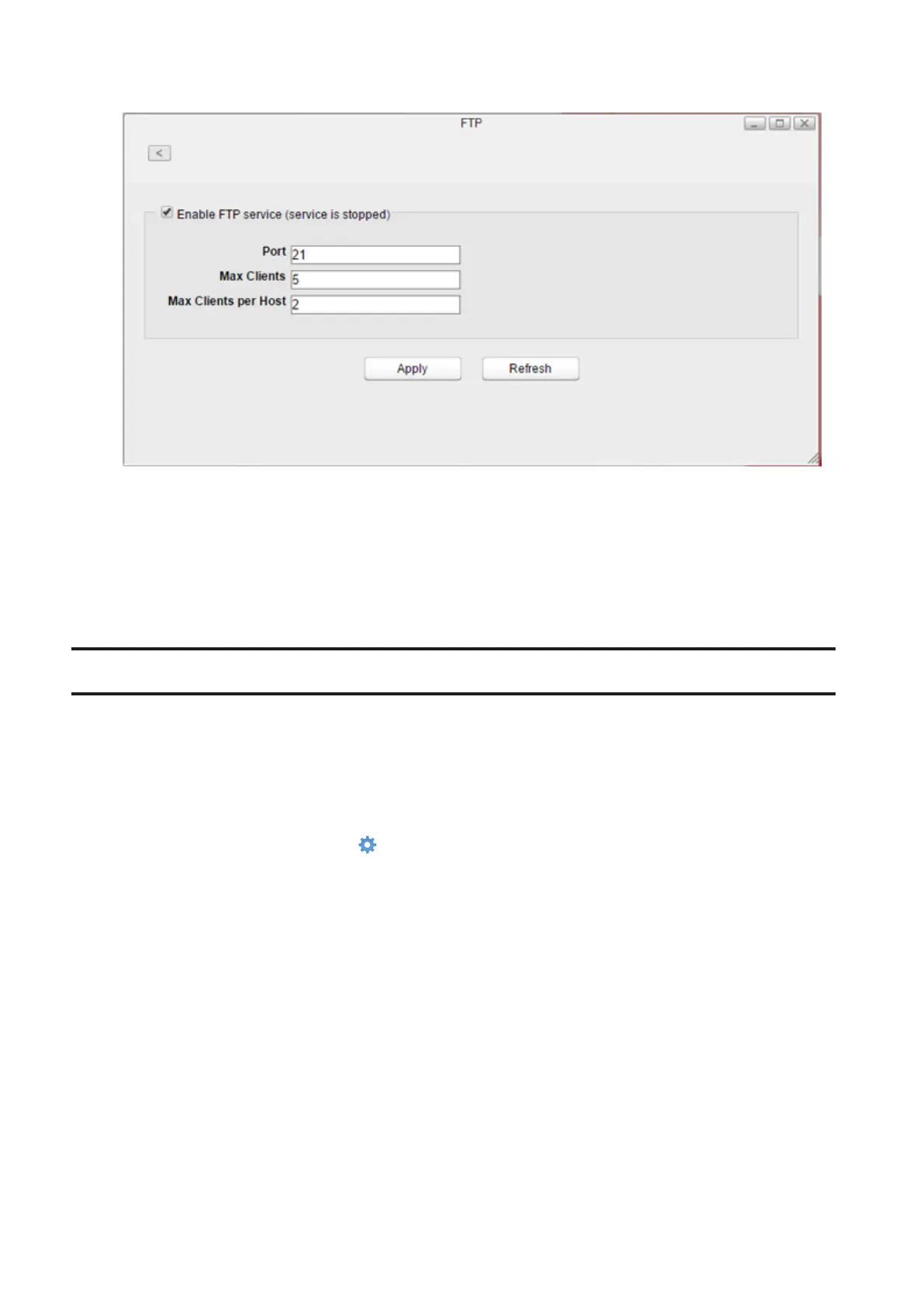
3 Select “Enable FTP service” to enable FTP connections.
4 Enter a desired port number and other settings.
5 Click Apply.
Even if the file sharing service is enabled, it will not be enabled for the folder automatically. Go to “Folder Setup” and
enable the service for the folder.
Note: If you access the LinkStation as an anonymous user via FTP, it will be read-only access.
DLNA Server
Enable or disable DLNA. If enabled, you can view or play files stored in the LinkStation from DLNA-compatible
devices.
DLNA is a set of guidelines for sharing digital media. The LinkStation includes a DLNA server compliant with DLNA
guidelines. Movies, photos, and music saved on the LinkStation can be played on DLNA-compatible TVs, stereo
equipment, game consoles, and other devices on the local network.
1 From Settings, click System Settings ( ).
63















 To Next Page