Playing Files
Media Player supports MP3 or MP4 file playback on the browser. Some specific MP4 files may not be compatible.
Other file types will be downloaded to the desired location on your computer.
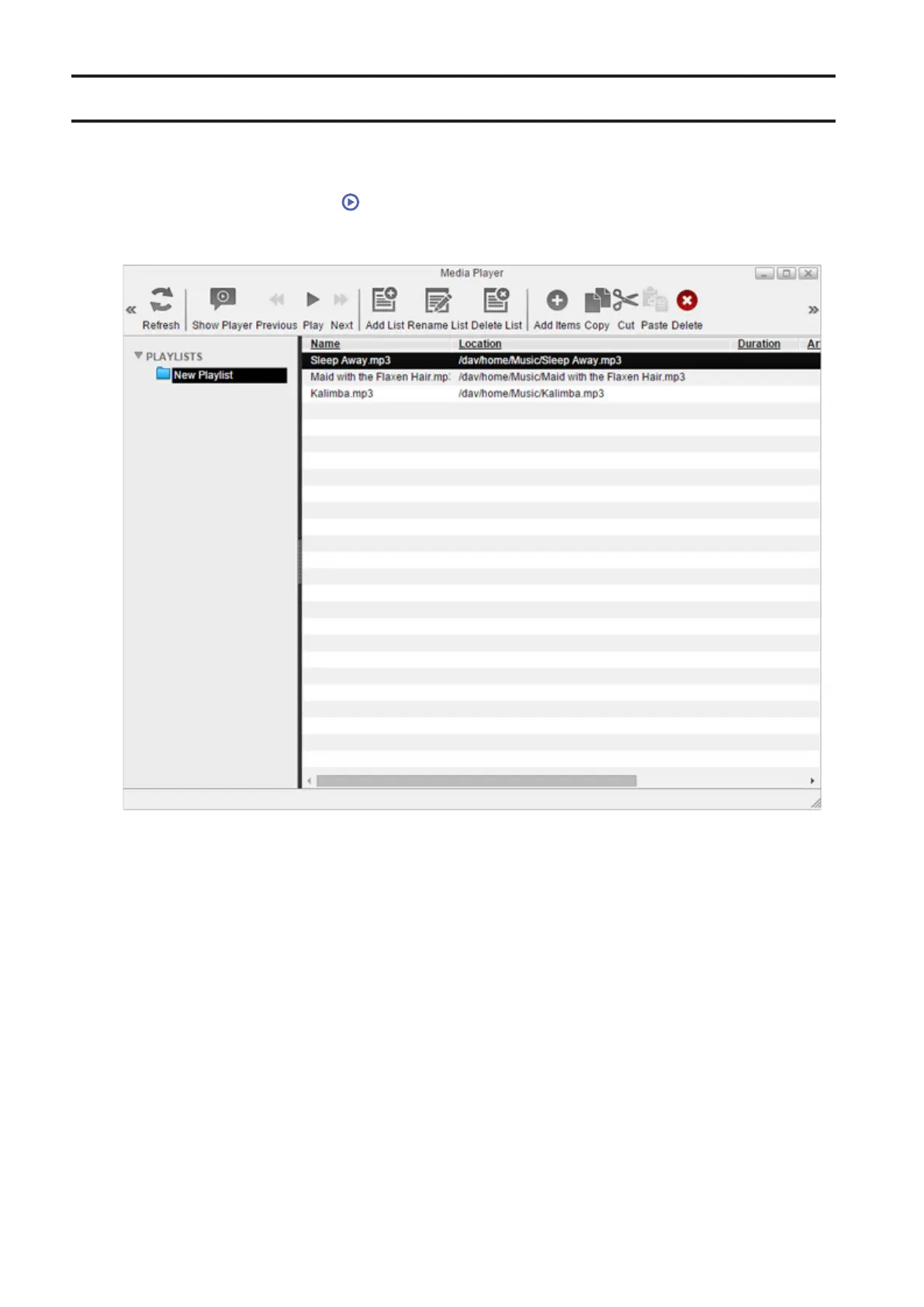
1 From Settings, click Media Player ( ).
2 Select the playlist at the left of the window and click Play.
3 The player window will open and start playing media files. To return to the playlist, click Show Player.
34















 To Next Page