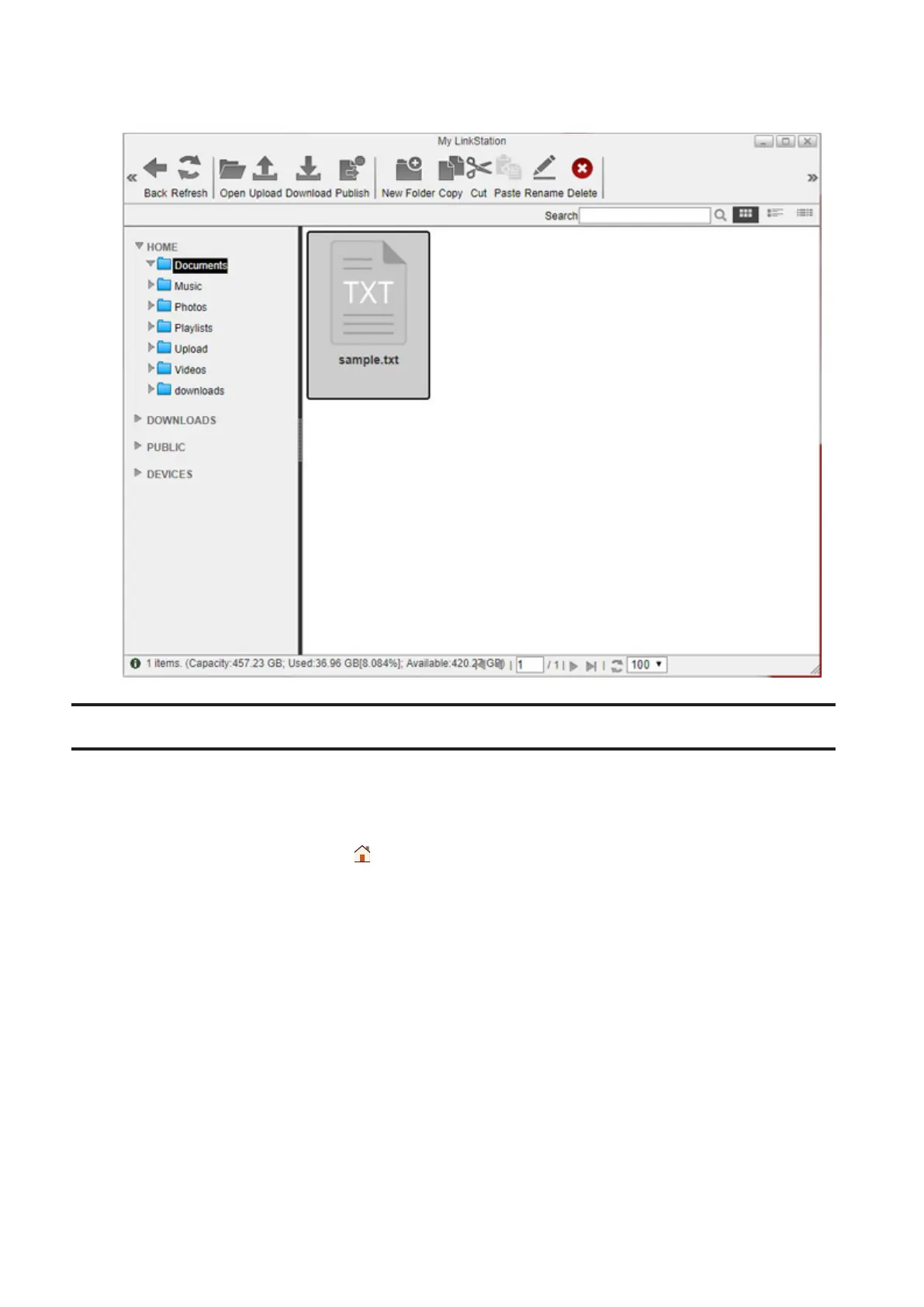
2 Select a file to download to your computer and click Download. The selected file will be downloaded to your
computer.
Sharing Files and Folders Using Shared Links
You can create a temporary shared link to share files or folders with other users on the local network or via the
Internet. To enable the access from outside the network, you should configure WebAccess settings before creating
the shared link. For more detailed information about WebAccess, refer to the “WebAccess” section in chapter 7.
1 From Settings, click My LinkStation ( ).
27















 To Next Page