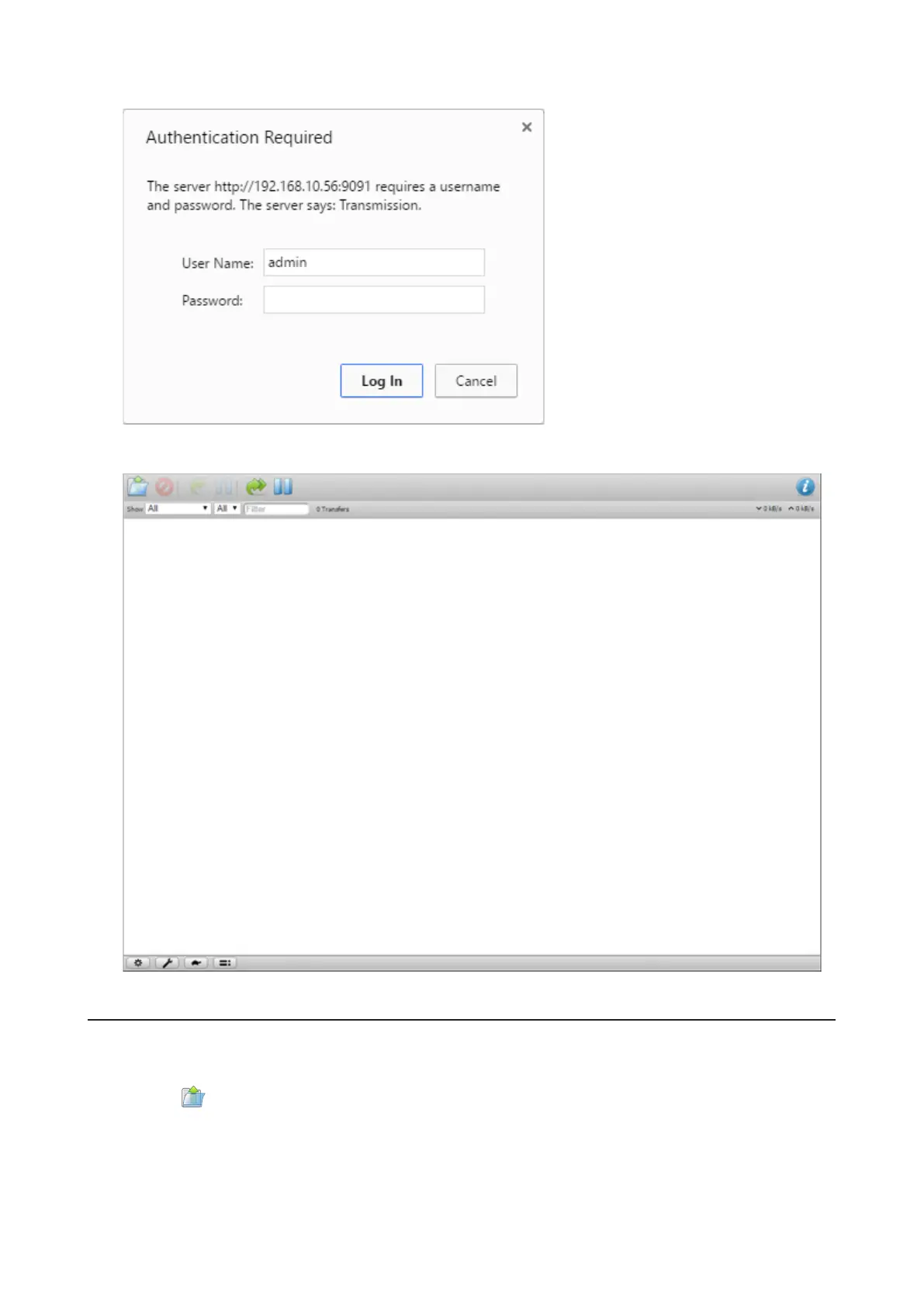
The username is “admin” and the password is blank (no password).
5 The download manager will open.
Downloading Files
1 Open the download manager.
2 Click the icon.
3 Select a file to upload or enter the URL into the “Or enter a URL:” field, specify the location to save the
downloaded file, then click Upload.
70















 To Next Page