• Passwords may contain up to 20 alphanumeric characters, hyphens (-), underscores (_), commas (,), periods (.),
semicolons (;), vertical bars (|), tildes (~), single quotes (’), backquotes (`), and the symbols ! " # $ % & ) ( * + / : < = >
? @ \ ] [ ^ } {. The first character should not be a symbol unless it is an underscore.
• Names already in use for existing shared folders cannot be used.
Changing Passwords
Administrator Password
1 Log in to Settings as the admin user.
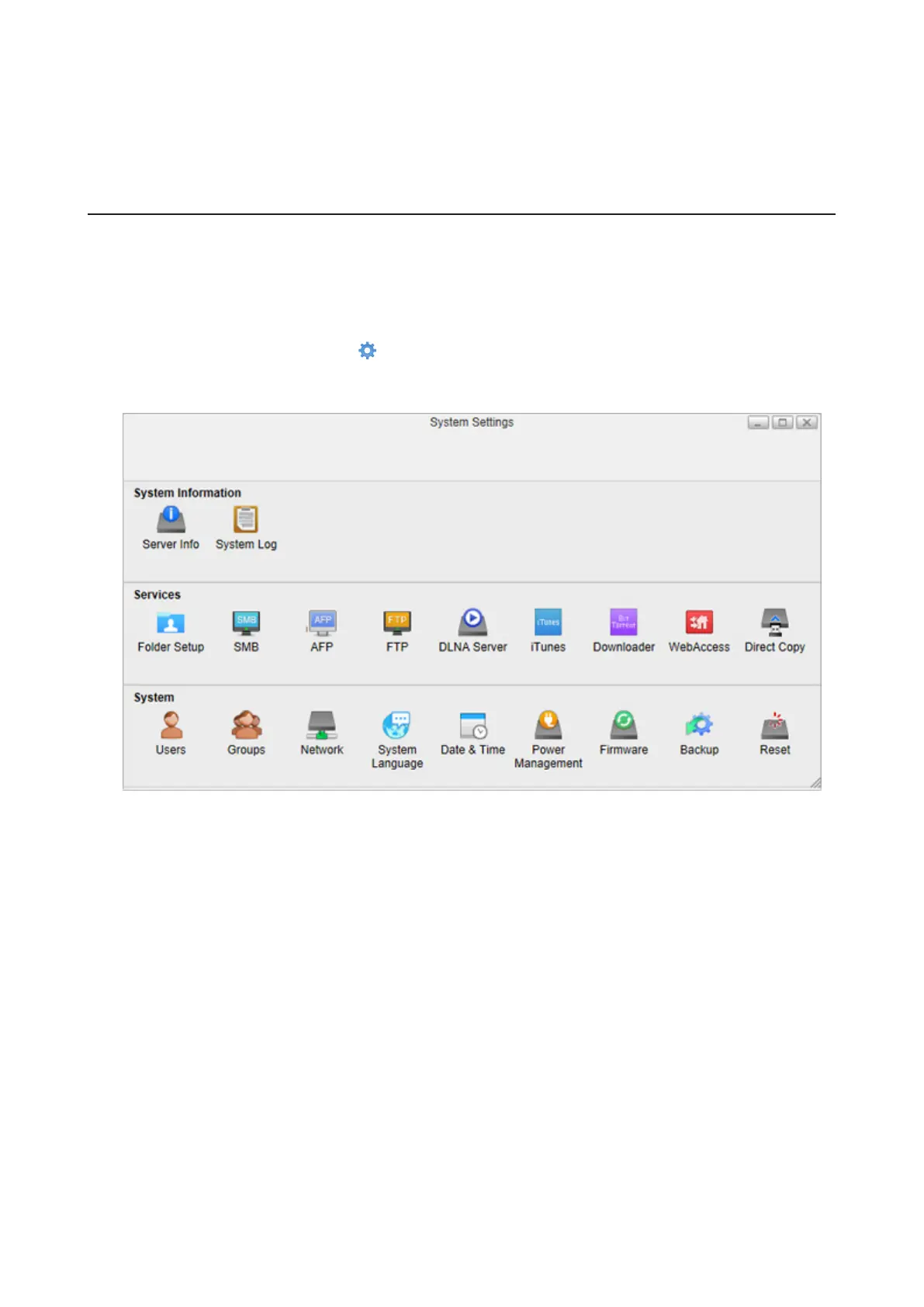
2 From Settings, click System Settings ( ).
3 Click Users.
78















 To Next Page