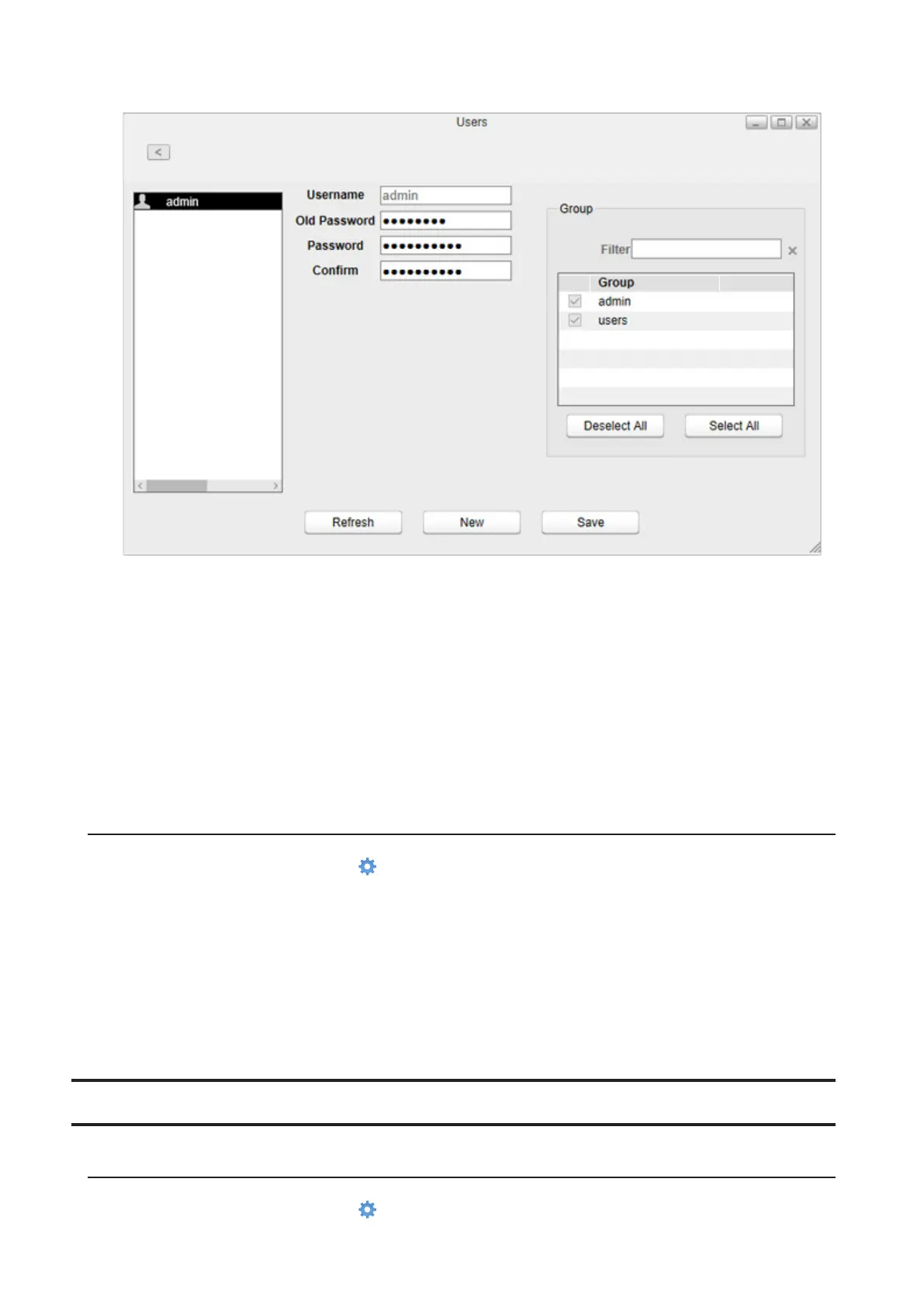
4 Enter the current password and new password, confirm the new password, then click Save.
Other Users’ Passwords
1 Log in to Settings as a user who wants to change their password.
2 From Settings, double-click Applications on the desktop.
3 Double-click Password.
4 Enter the current password and new password, confirm the new password, then click Apply.
Deleting Users
1 From Settings, click System Settings ( ).
2 Click Users.
3 Select a user and click Delete.
4 Click OK.
The selected user is deleted. When the user is deleted, the user’s shared folder and data within will be deleted
together.
Groups
Creating Groups
1 From Settings, click System Settings ( ).
79















 To Next Page