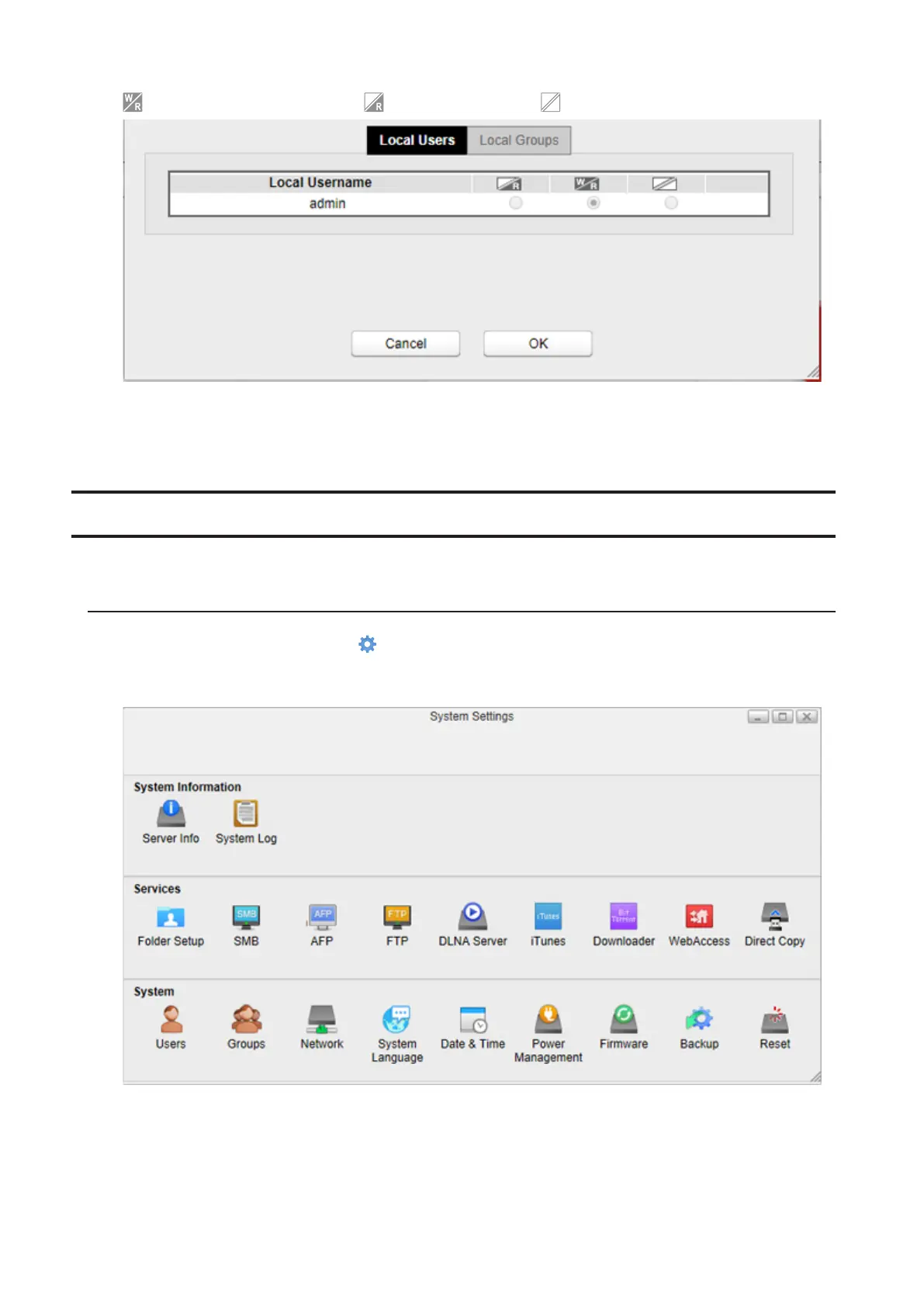
: Read and write access allowed : Read access allowed : Access prohibited
The picture above shows the example of restrictions by the user. If restricting access by group, click the Local
Groups tab and select group permissions.
6 Click OK.
SMB
Enable or disable SMB connections and change a workgroup name for the LinkStation.
Enabling SMB
1 From Settings, click System Settings ( ).
2 Click SMB.
59



 To Next Page