100
Operating and functions
tEACH Y
READY Y
If a time delay has been set when parameterizing DO2, the countdown of the delay is
started.
Then the device opens the valves connected to the relay outputs DO2 and DO3 and the
fluid flows through the pipe.
ABORt
0......9
→ Place the tank to be filled at the end of the pipe.
→ Confirm by pressing the key "ENTER" or by sending out a pulse on DI4:
CLOSE V1
CLOSE V2
→ When the desired fluid quantity has been reached, confirm by pressing the key
ENTER or send out a pulse on the digital input DI4, to close the valve 1.
DELAY \
Is only displayed if the relay output DO3 has been configured to control a valve.
→ When the desired fluid quantity has been reached, confirm by pressing the key
ENTER or send out a pulse on the digital input DI4, to close the valve 2.
WAit
The device is waiting for the flow rate to stop.
→ To exit parameter "MODE".
FiNiSH
→ Confirm by pressing the key "ENTER" or by sending out a pulse on DI4.
VALiD Y/N
→ Choose "VALID Y" to confirm the dosing quantity determined by Teach-In.
→ Choose "VALID N" to ignore the Teach-In procedure result.
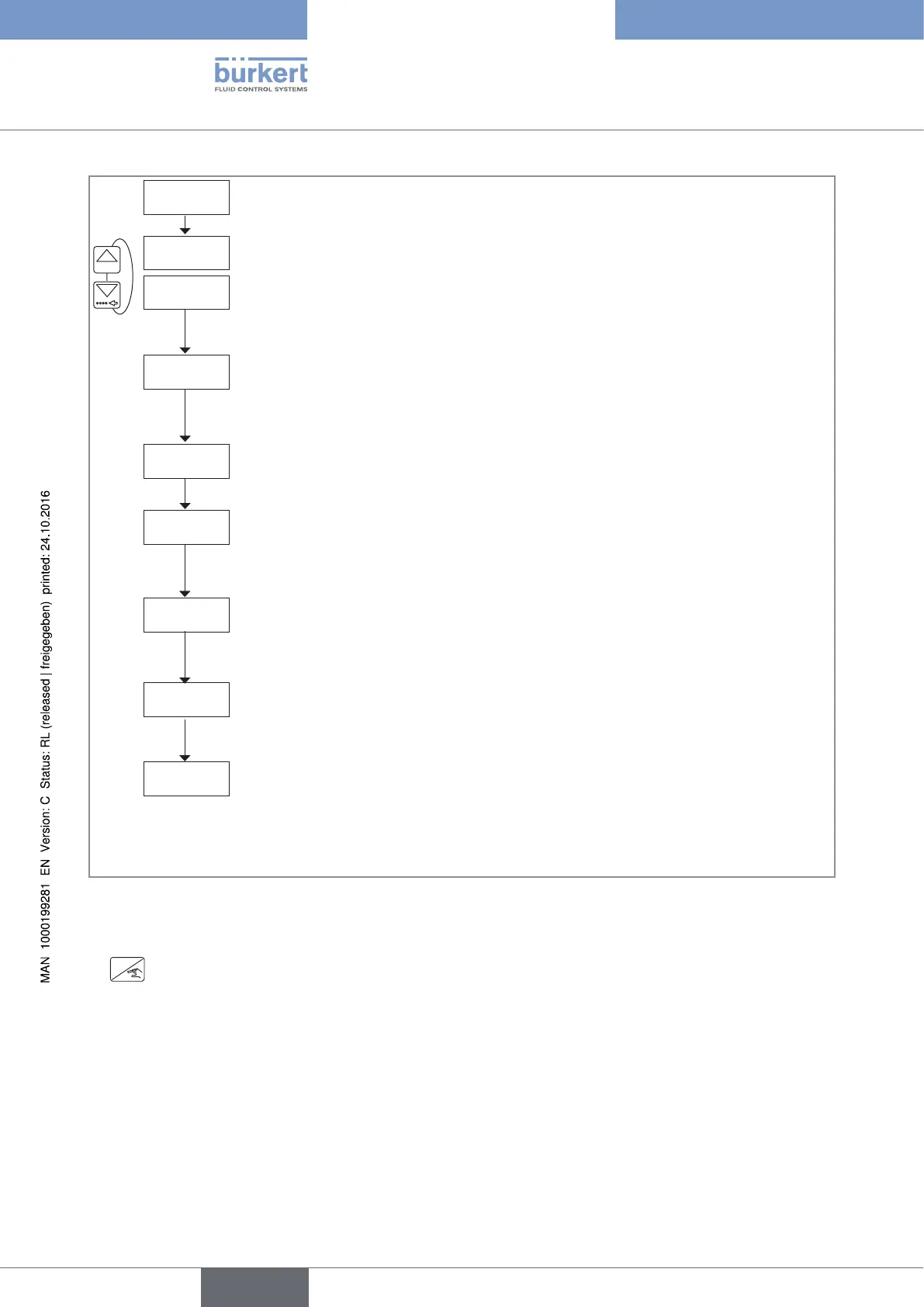
Fig. 71 : Determination of the dosing quantity using a Teach-In procedure
→ If you do not want to adjust another parameter, go to the "END" parameter of the Parameters menu and press
ENTER
to save the settings or not and go back to the Process level.
English
Type 8025 - 8035 - SE35 BATCH



 To Next Page