78
Operating and functions
To select the dosing quantity via the navigation keys, deactivate the 3 digital inputs DI1 to DI3.
If a warning message is generated by the device and no dosing is being done, a long pulse (> 2
seconds) on DI4 allows for remotely accessing to the Information menu, whatever the state of the inputs
DI1 to DI3. See chap. 10.11.
45.6 L
The dosing quantity is counted down.
→ To interrupt the dosing, see Fig. 49.
REtURN
0......9
→ To choose another
dosing quantity, confirm
"RETURN".
→ To start the dosing, send a short pulse (< 2 s) on
the digital input DI4.
V3
Process level
BAtCH-S
OK Y/N
→ Choose the dosing quantity via the navigation keys.
→ Confirm.
→ Choose "OK Y" to confirm the chosen quantity.
→ Confirm by pressing key
ENTER
: the output DO4 (if it has been con-
figured to transmit the device state, see chap. 10.7.26) sends out
1 to 7 pulses corresponding to the number of the chosen memory
(V1 to V7).
V1
V7
REtURN
0......9
→ Confirm.
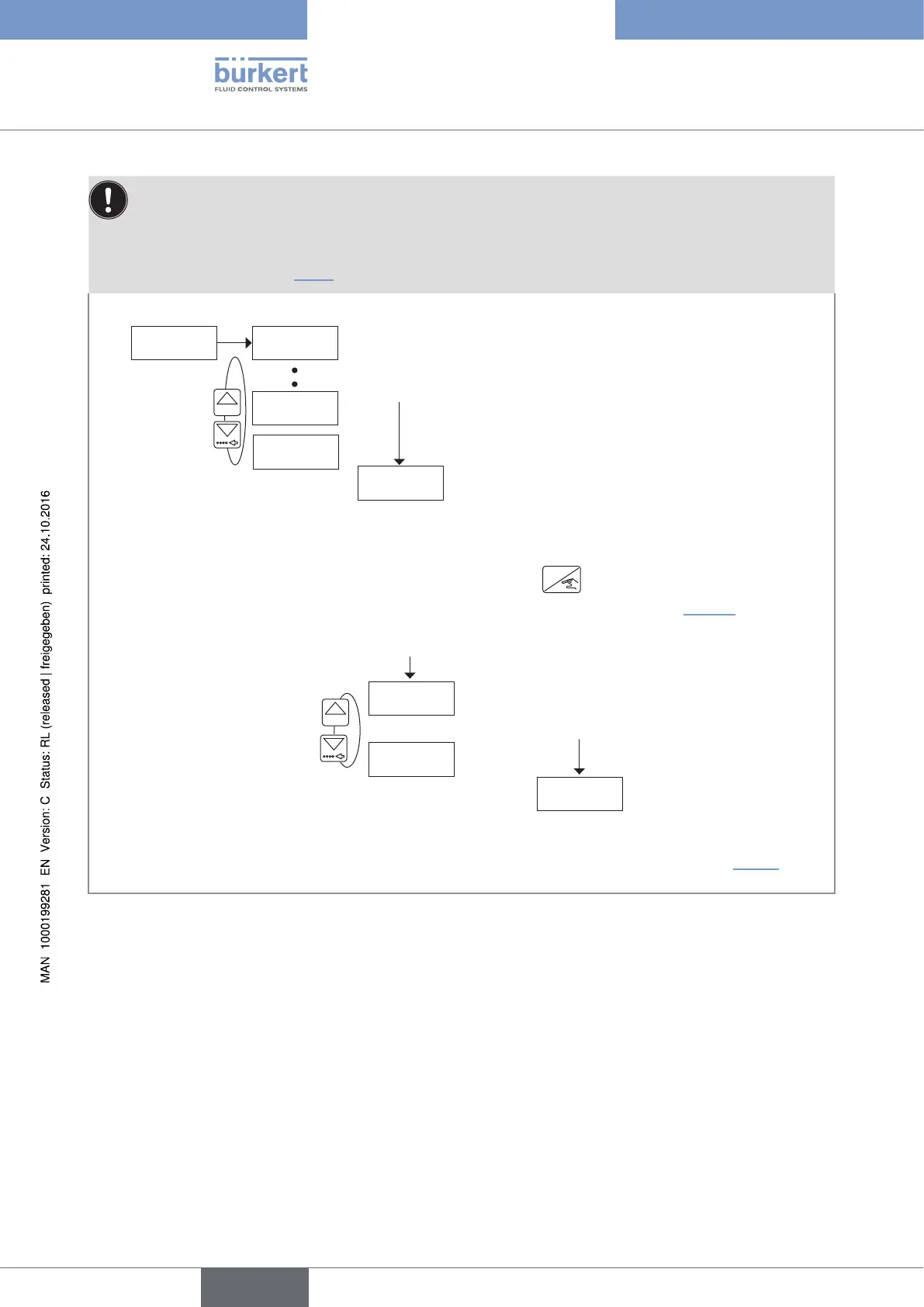
Fig. 47 : Doing the dosing of a quantity from the device memory via the navigation keys and the digital input DI4, in dosing
mode "EXT.+LOC."
English
Type 8025 - 8035 - SE35 BATCH



 To Next Page