73
Operation
11.1.3.4 NAMUR mode
The device status LEDs (top LED) show the device status.
The display elements change color in accordance with NAMUR NE 107.
If several device statuses exist simultaneously, the device status with the highest priority is displayed. The
priority is determined by the severity of the deviation from controlled operation (red LED = failure = highest
priority).
Color Status Description
Red Outage, error or
malfunction
Normal operation is not possible due to a malfunction in the
device or on its peripheral equipment.
Orange Function check Work is being carried out on the device; normal operation is
therefore temporarily not possible
Yellow
Outofspecication Ambient conditions or process conditions for the device are
outsidethespeciedarea.
Blue Maintenance required Thedeviceisinnormaloperation,althoughafunctionisbriey
restricted.
→Service device.
Green Diagnostics active Device is operating perfectly. Status changes are indicated in dif-
ferent colors.
Messagesaretransmittedviaaeldbusifconnected.
Table 47: Description of the colors
11.2 Switching the device manually with pilot valve
The device can be switched manually with the pilot valve when the control air is connected.
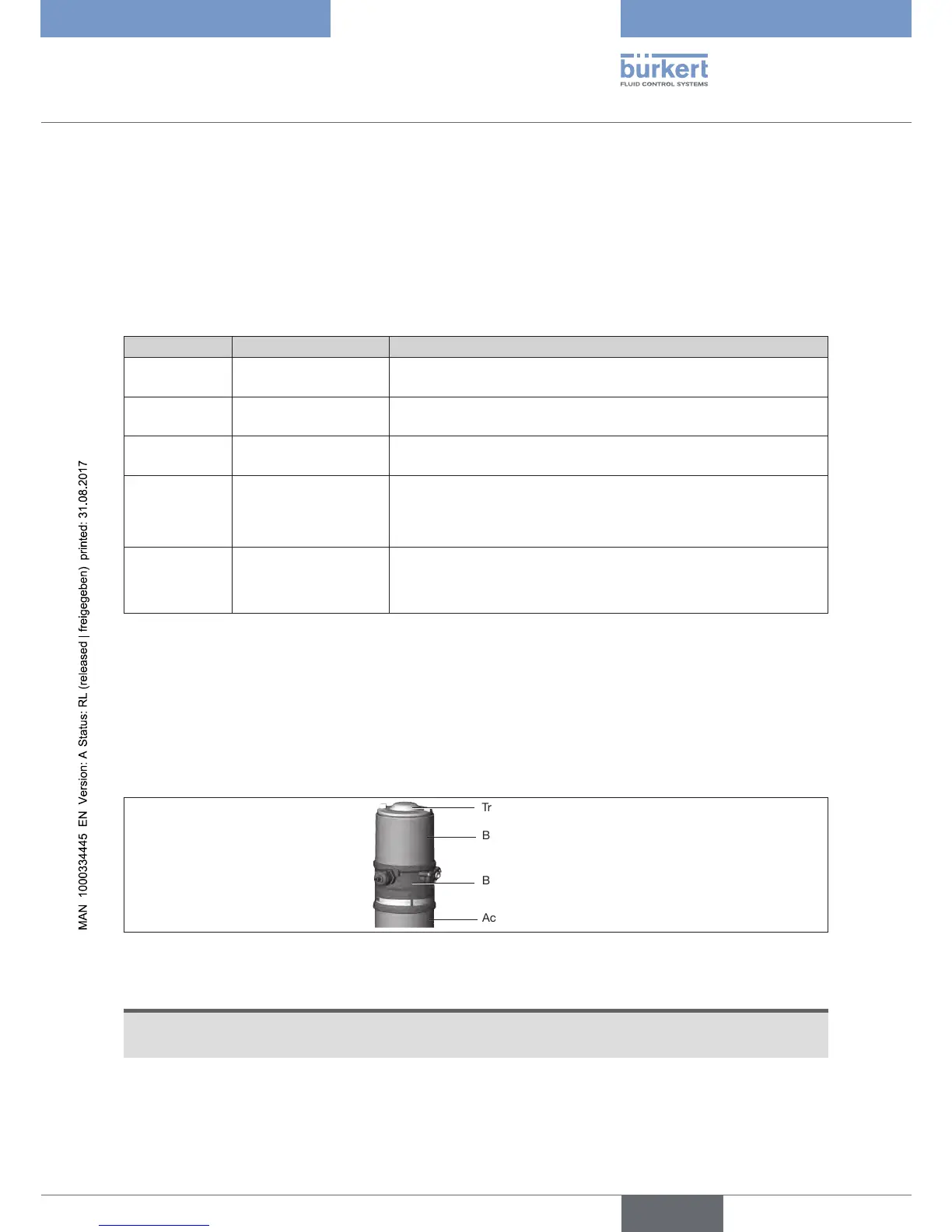
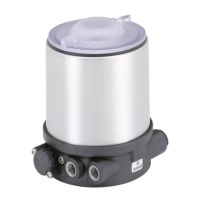
Opening the device:
Body casing
Basic housing
Actuator
Transparent cap
Figure 36: Opening the device
NOTE
Breakageofthepneumaticconnectionpiecesduetorotationalimpact.
▶ When opening or closing the device, do not press against the actuator, but against the basic housing.
→ Screwothebodycasingbyturningcounterclockwise.


 To Next Page