User Interface
Display
••
••
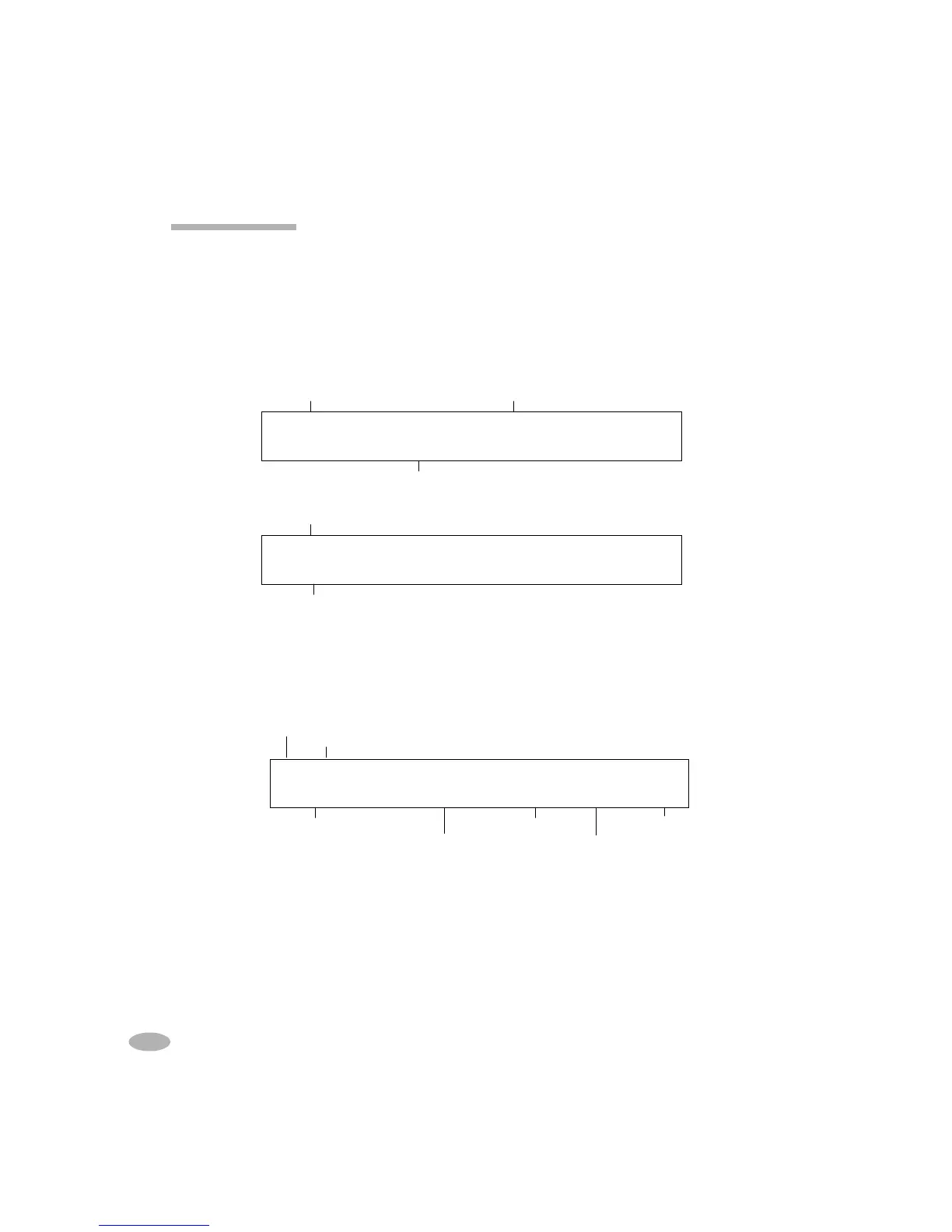
• Global Display: provides status information of stations and batteries in service
at a glance.
••
••
• Detailed Display: provides detailed information about the battery service or
station
when the appropriate station key is pressed
. For example, during a service
in Station 1, the following is displayed when the S1 key is pressed:
Pressing the station key again will give additional details such as warning codes,
cycles and program phases.
Process
Station
Charge/Discharge Current
Average Cell Voltage Resistance
Program Duration (hh:mm)
Temperature
S1 CHARGING
S1 CHARGINGS1 CHARGING
S1 CHARGING
1.35V/Cell 1006mA 233m
1.35V/Cell 1006mA 233m 1.35V/Cell 1006mA 233m
1.35V/Cell 1006mA 233m
Ω
ΩΩ
Ω
32
32 32
32
o
oo
o
C 1:05
C 1:05C 1:05
C 1:05
EMPTY EMPTY NO ADAPT NO ADAPT
EMPTY EMPTY NO ADAPT NO ADAPT EMPTY EMPTY NO ADAPT NO ADAPT
EMPTY EMPTY NO ADAPT NO ADAPT
Auto Charge
Auto Charge Auto Charge
Auto Charge
Adapter inserted Adapter not inserted
Program
12 C7000 & 7000ER Battery Analyzer V3.5
CHARGE EMPTY NO ADAPT NO ADAPT
CHARGE EMPTY NO ADAPT NO ADAPT CHARGE EMPTY NO ADAPT NO ADAPT
CHARGE EMPTY NO ADAPT NO ADAPT
1.35V Charge
1.35V Charge 1.35V Charge
1.35V Charge
Process
Voltage/Current



 To Next Page