4
This section covers the basic general procedures on how to service a battery.
1. Turn the power on and insert the Battery Adapter into a station.
! Slide the lower front part of the adapter into the station towards the display.
Press the back end down to close the snap lock with a click.
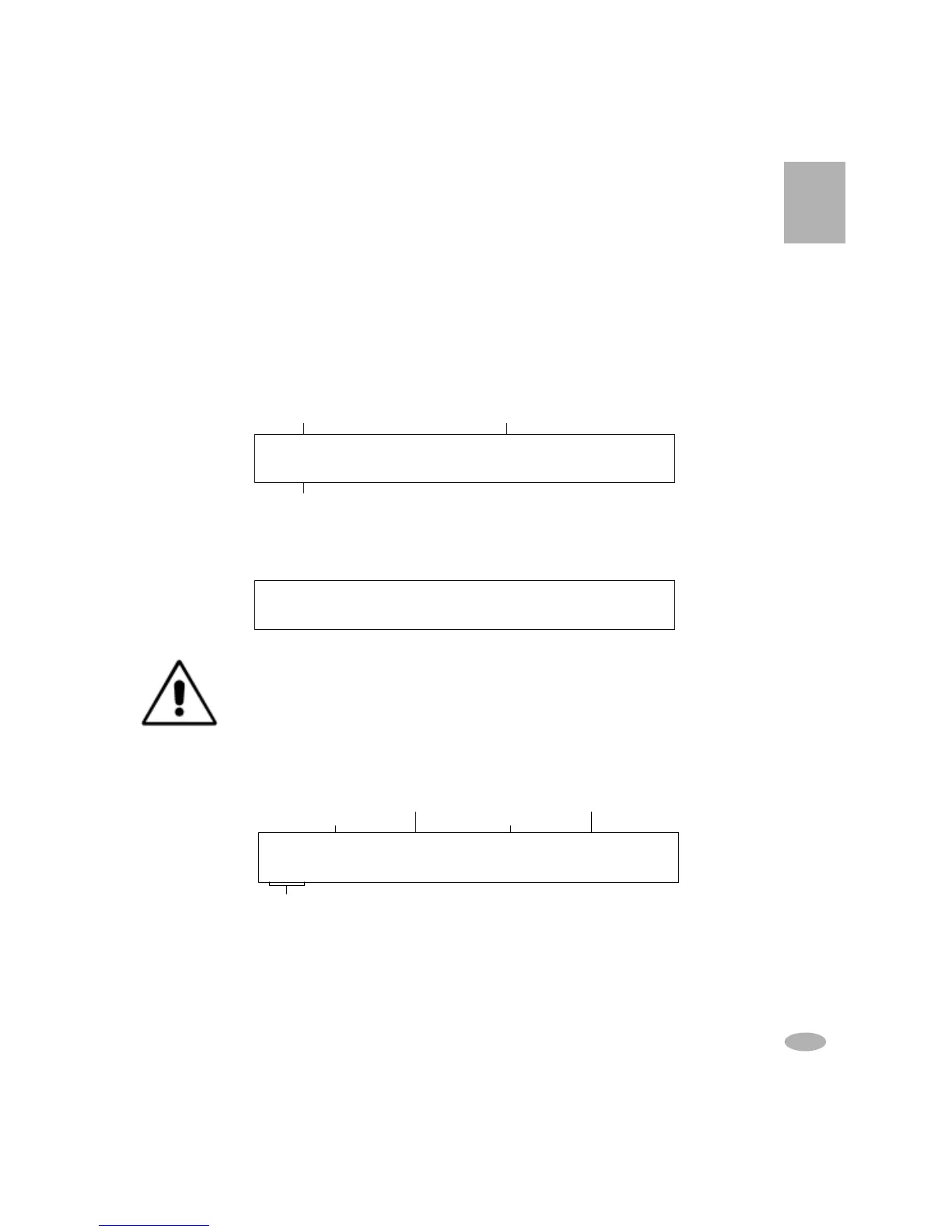
For example, if you insert the adapter in Station 1, the following is displayed:
2. Insert the battery into the adapter. The following message appears on the
display when the battery is detected:
Warning: Make sure that the battery contacts are clean before inserting
the battery. Otherwise melting can occur. To clean the battery contacts,
use a lint-free cotton swab dipped in 100% Isopropyl Alcohol.
3. View the battery configurations (C-Codes) by pressing the ENTER key.
Refer to
Battery Configuration/C-Codes
for details on C-Codes.
• If the active C-Code (indicated by the “
!!
!!
!”) is correct, proceed to step 7
to start service.
Basic Battery Service
S1 Press ENTER and verify settings,
S1 Press ENTER and verify settings,S1 Press ENTER and verify settings,
S1 Press ENTER and verify settings,
then ENTER again to START
then ENTER again to START then ENTER again to START
then ENTER again to START
Adapter inserted No Adapter inserted
Program
EMPTY NO ADAPT NO ADAPT NO ADAPT
EMPTY NO ADAPT NO ADAPT NO ADAPT EMPTY NO ADAPT NO ADAPT NO ADAPT
EMPTY NO ADAPT NO ADAPT NO ADAPT
Auto
Auto Auto
Auto
17
S1
S1S1
S1
*
**
*
C4
C4C4
C4 NiMH 6.00V, 500mAh, Auto
NiMH 6.00V, 500mAh, Auto NiMH 6.00V, 500mAh, Auto
NiMH 6.00V, 500mAh, Auto
Press [CCode] to Edit
Press [CCode] to Edit Press [CCode] to Edit
Press [CCode] to Edit
Battery Chemistry
Program Setting
Capacity
Station, C-Code
Nominal Voltage



 To Next Page