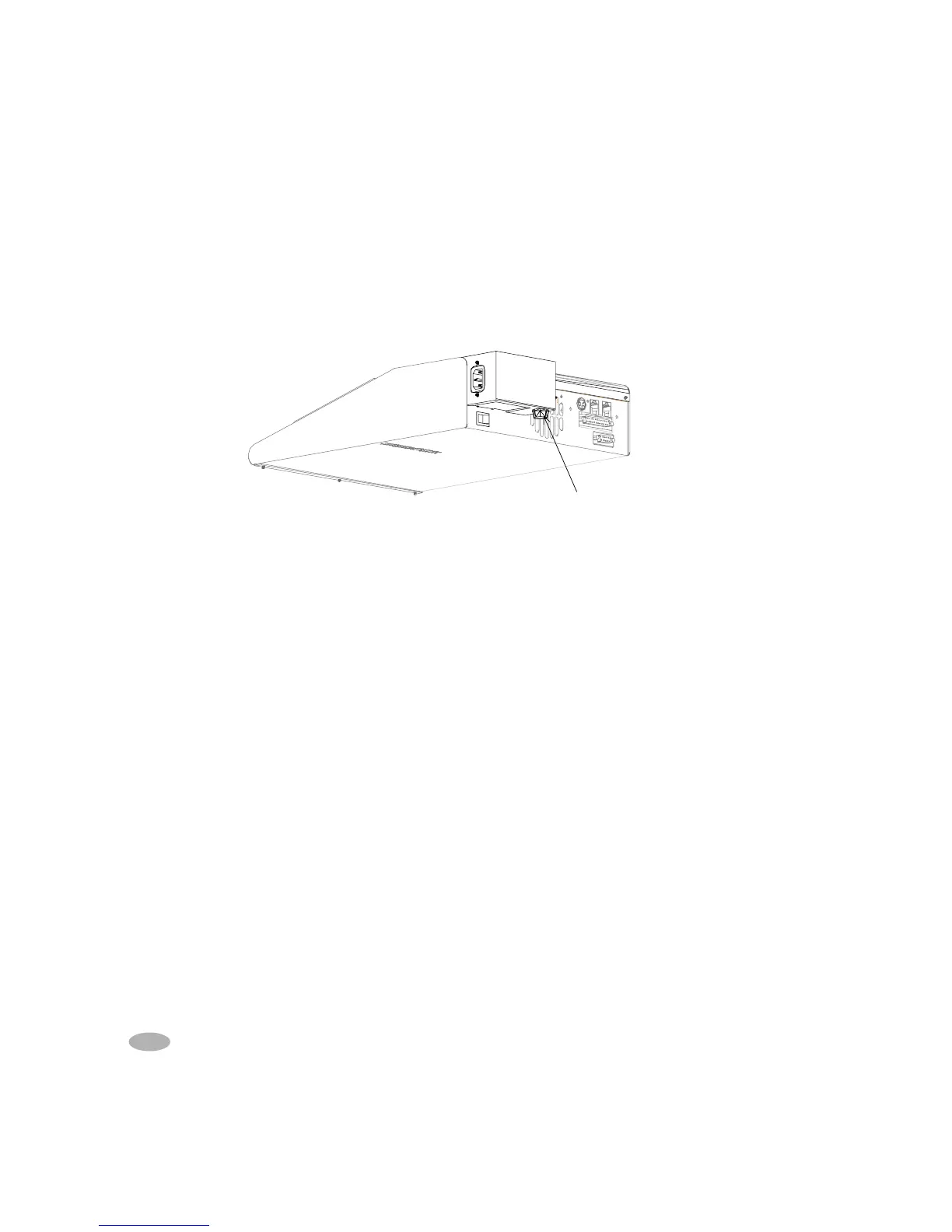
Extended Range Model (C7000ER)
1. Remove all batteries and adapters, turn off the analyzer and unplug the power
cord.
2. Locate the fuse holder under the rear metal cover extension.
3. Use a small screwdriver to turn the fuse holder clockwise until it is released. Then
pull the holder.
4. If the primary (input) fuse needs to be replaced, remove the fuse from the holder
and replace the fuse.
5. Insert the fuse drawer taking care that the side springs are inserted into the socket.
Turn counterclockwise to close the holder.
6. Insert power cord and turn on the analyzer.
Fuse Holder
68 C7000 & 7000ER Battery Analyzer V3.5



 To Next Page