EasyManua.ls Logo

Cadex C7000 - Menu

Cadex C7000
91 pages
Print Icon
To Next Page IconTo Next Page
To Previous Page IconTo Previous Page
Loading...
Menu
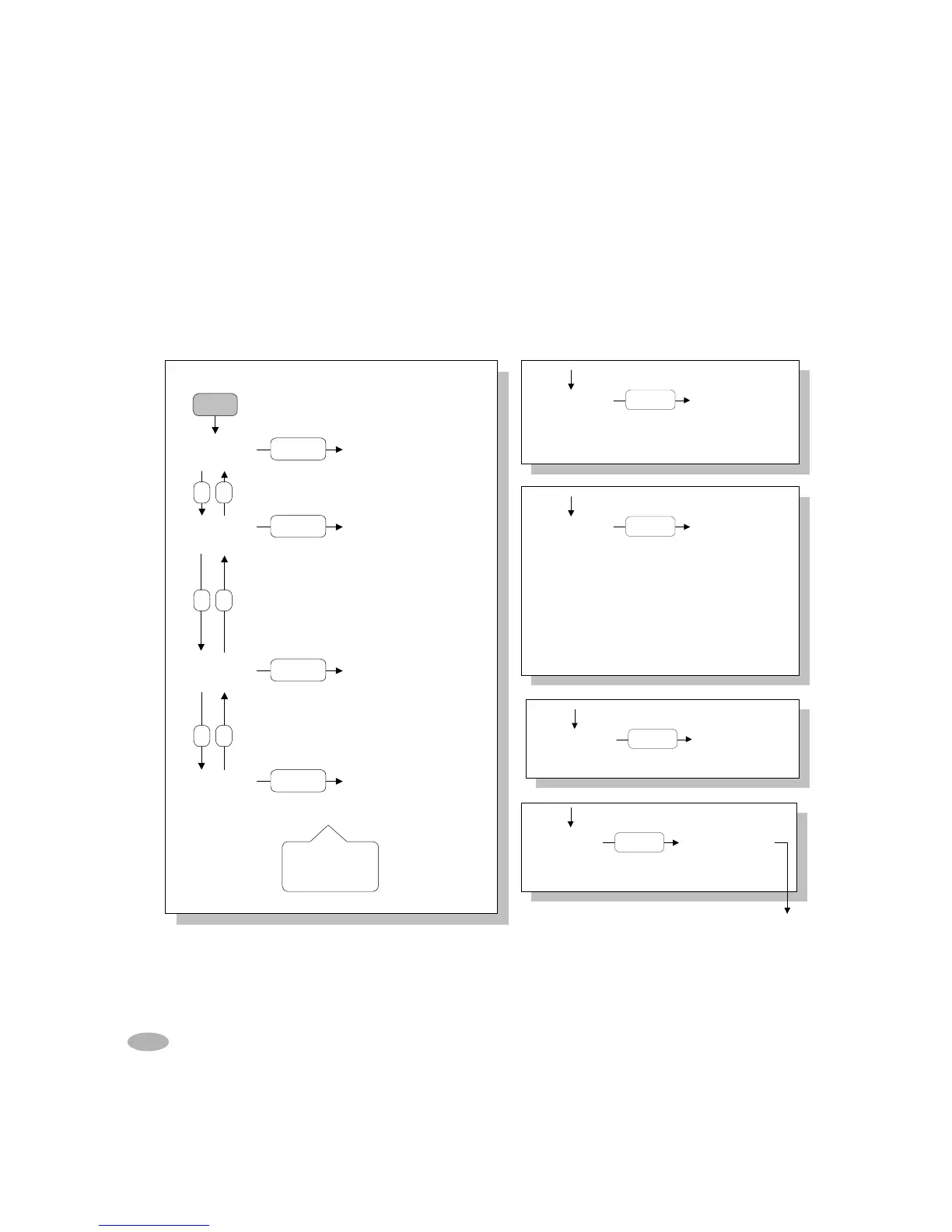
The menu-driven interface allows access to the various functions of the analyzer. Refer
to the individual functions for details and instructions.
SYSTEM
SECURITY
PRINT
UTILITIES
SYSTEM
SETUP
EVENT LOG
Set Security
Change Password
Remove Security
Date/Time
Battery Startup
Program Settings
Company Name
Calibration
Output Devices
Sound Control
Voltage Display
Battery Service Report
Battery Label
Bar-Code Label
System Setup Report
Auto-Print
View Event Log
Print Event Log
Clear Event Log
Events to Log
ENTER
S2S1
S2S1
S2S1
S1
,
S2
to scroll,
ENTER
to select,
Esc
to exit.
Menu
ENTER
ENTER
ENTER
PROGRAM
SETTINGS
OhmTest
Runtime
Self-Discharge
Life-Cycling
Discharge Only
Extended Prime
Custom 1
Custom 2
Custom 3
Custom 4
BASIC PROGRAMS
ENTER
PROGRAM
SETTINGS
Auto
Charge
Prime
SPECIALTY PROG.
ENTER
OUTPUT
DEVICES
Serial Port Device
Serial Port Settings
Parallel Port Device
ENTER
BatteryShop
14 C7000 & 7000ER Battery Analyzer V3.5
CALIBRATION
Voltage Calibration
Station Calibration
ENTER

Table of Contents

Related product manuals