Component Function
Primary Input Fuse
Protects the unit from internal short circuits. Can be replaced
(see Replacing the Primary (Input) Fuse, page 109).
Front LCD Display Interface
The LCD display has 2 rows with 40 characters on each row. It has three main
states:
• The Global Display shows the general status of all stations This is the default
view for the C7400-C and C7400ER-C.
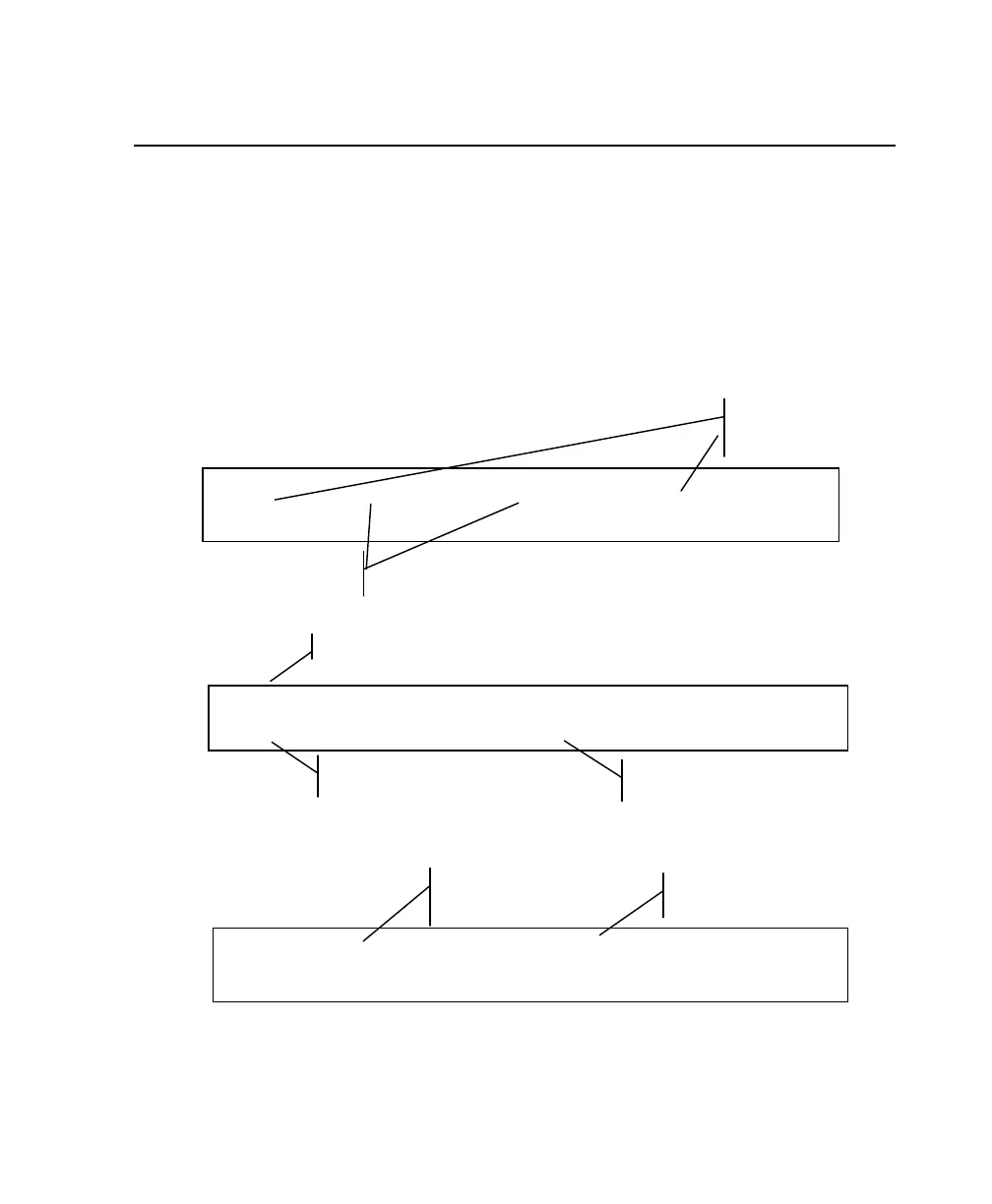
EMPTY NO ADAPT NO ADAPT EMPTY
QuickSort PRIME
Stations 1 and 4: adapter
inserted; no battery inserted
Stations 2 & 3: no
adapter inserted
Program in Progress
CHARGE NO ADAPT EMPTY NO ADAPT
3.02V Charge
Current program setting for
inserted adapter
Current battery status
This is the default view for the C7200.
EMPTY NO ADAPT
QuickSort
Station 1 adapter inserted:
no battery inserted
Stations 2: no adapter
inserted
13



 To Next Page