102
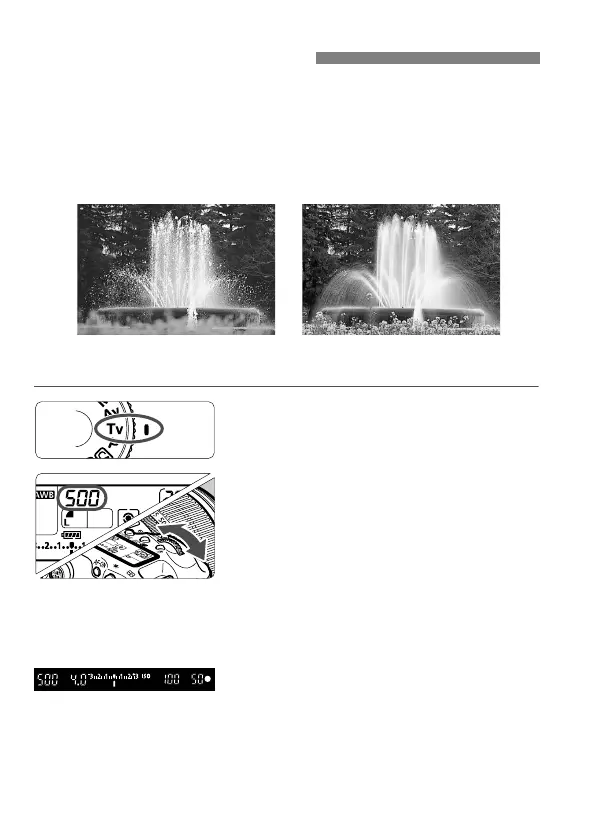
In this mode, you set the shutter speed and the camera automatically
sets the aperture to obtain the correct exposure suiting the brightness of
the subject. This is called shutter-priority AE. A faster shutter speed can
freeze the action or moving subject. Or a slower shutter speed can
create a blurred effect, giving the impression of motion.
* <s> stands for Time value.
1
Set the Mode Dial to <s>.
2
Set the desired shutter speed.
While looking at the LCD panel, turn
the <6> dial.
3
Focus the subject.
Press the shutter button halfway.
The aperture is set automatically.
4
Check the viewfinder display and
shoot.
As long as the aperture is not
blinking, the exposure will be correct.
s:
Shutter-Priority AE
Frozen action
(Fast shutter speed)
Blurred motion
(Slow shutter speed)



 To Next Page