237
3 Custom Function SettingsN
< > Picture Style
Press <0> to display the Picture Style selection screen (p.66) on the
LCD monitor.
< > Image replay
To playback images, press <0>.
< > Depth-of-field preview
Pressing the depth-of-field preview button will stop down the aperture.
< > IS start
With the lens’ IS switch set to <1>, the lens’ Image Stabilizer operates
when you press the button.
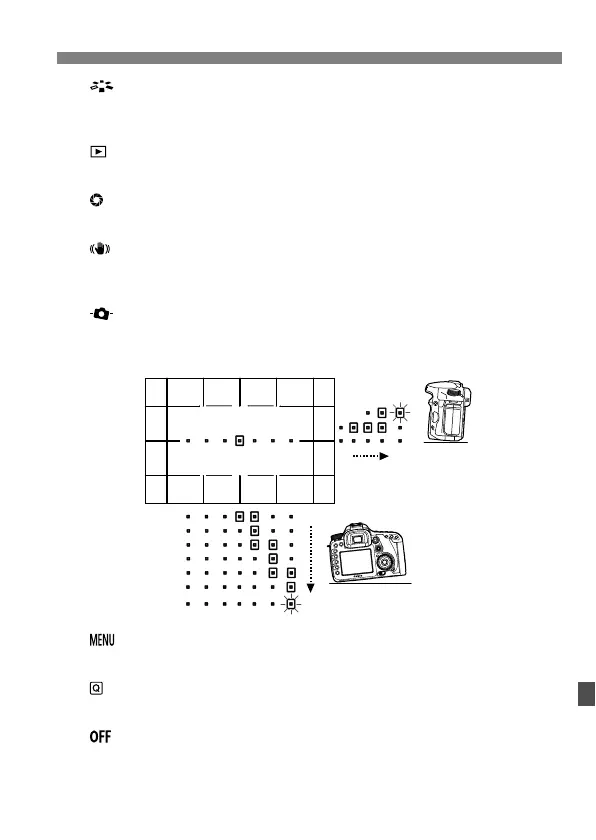
< > VF electronic level
Pressing the <B> button will display in the viewfinder a grid and an
electronic level using the AF points.
< > Menu display
Pressing <0> will display the menu on the LCD monitor.
< > Quick Control screen
Pressing <0> will display the Quick Control screen on the LCD monitor.
< > No function (disabled)
This is to assign no function to the button.
0°
1°
1° Over 4°
Over 6°



 To Next Page