C Creative Auto Shooting
58
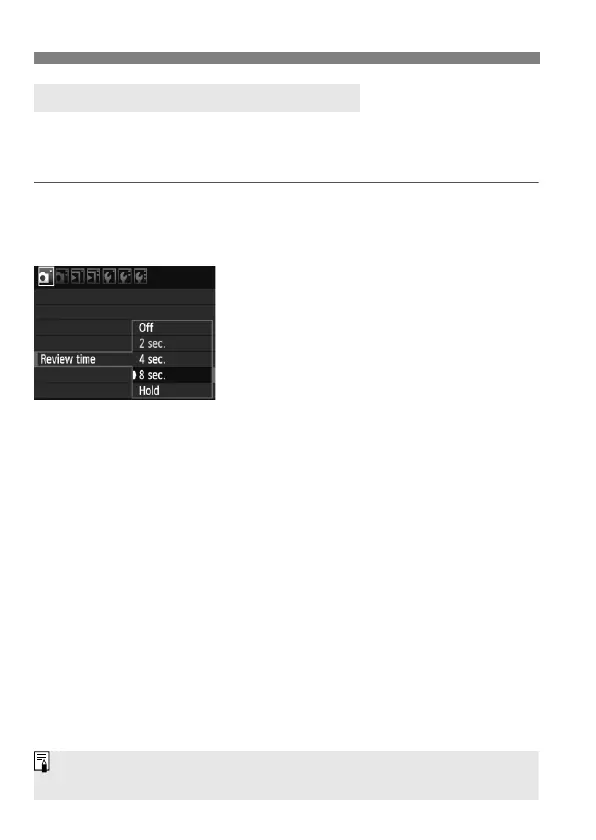
You can set how long the image is displayed on the LCD monitor
immediately after capture. To keep the image displayed, set [Hold]. To
not have the image displayed, set [Off].
1
Select [Review time].
Under the [1] tab, select [Review
time], then press <0>.
2
Set the desired time.
Turn the <5> dial to select the
setting, then press <0>.
3 Setting the Image Review Time
If [Hold] is set, the image will be displayed until the auto power off time
elapses.



 To Next Page