159
If you press the <o>, <n>, or <A> button while the
image is displayed on the LCD monitor, the setting screen will appear
on the LCD monitor and you can turn the <6> or <5> dial to set the
respective function. Note that the <q> metering mode cannot be set.
If the shooting mode is <a>, you can press the <m> button and
turn the <6> dial to set the ISO speed.
With the image displayed on the LCD monitor, you can press the <Q>
button to set the Auto Lighting Optimizer, image-recording quality for
still photos, and movie recording size. And with f, you can select the
AF point and set the AF area selection mode.
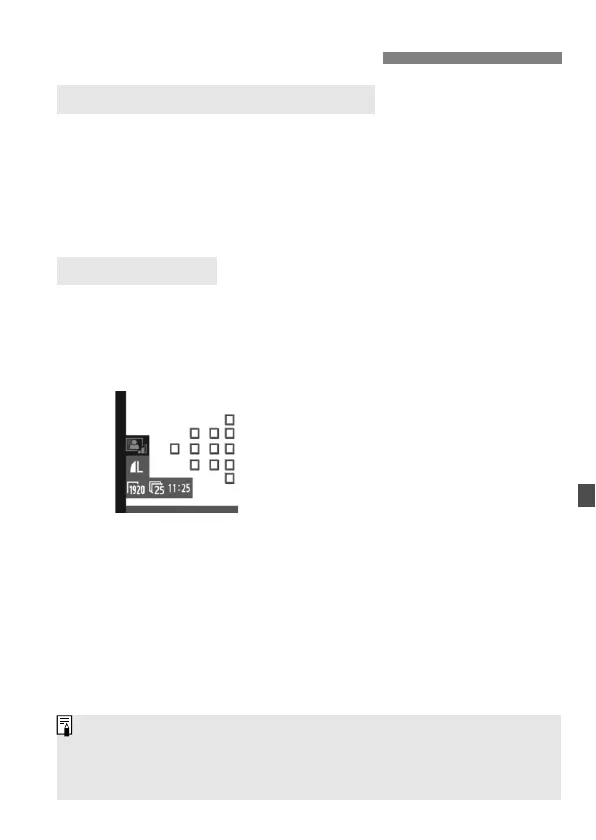
1
Press the <Q> button.
The settable functions will be
highlighted in blue.
When <f> is selected, the AF
points will also be displayed.
2
Select a function and set it.
Use <9> to select a function.
The setting of the selected function is
displayed at the screen bottom.
Turn the <5> or <6> dial to
change the setting.
When the selection of the AF point is
enabled, the AF area selection mode
for <f> can be selected with the
<B> button.
Shooting Function Settings
f / R / B / A / i Settings
Q Quick Control
Exposure compensation can be set (except in <a> mode).
The Picture Style, white balance, image-recording quality, and exposure
compensation (except in <a> mode) set for movie shooting will also be
applied to still photos.



 To Next Page