88
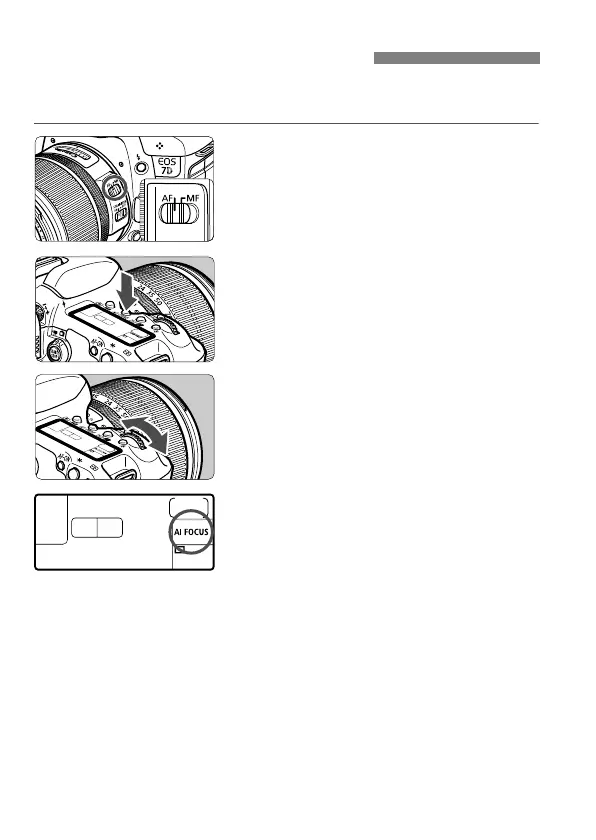
Select the AF mode suiting the shooting conditions or subject. In fully-
automatic modes (1/C), “AI Focus AF” is set automatically.
1
On the lens, set the focus mode
switch to <AF>.
2
Press the <o> button. (9)
3
Select the AF mode.
While looking at the LCD panel, turn
the <6> dial.
X: One-Shot AF
9: AI Focus AF
Z: AI Servo AF
f: Selecting the AF ModeN



 To Next Page