173
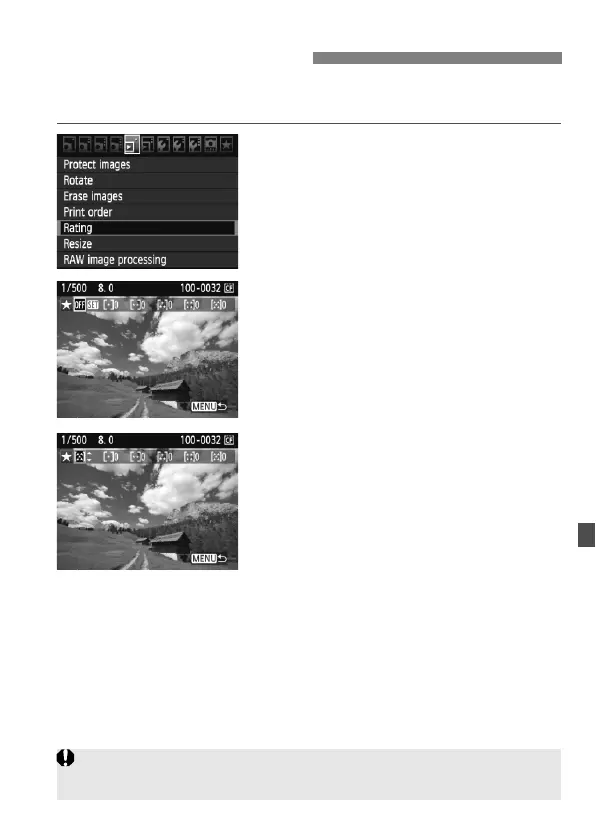
You can rate images and movies with one of five rating marks: l/m/
n/o/p. This function is called rating.
1
Select [Rating].
Under the [3] tab, select [Rating],
then press <0>.
2
Select an image or movie.
Turn the <5> dial to select the
image or movie to be rated.
You can display three images by
pressing the <I> button. To
return to the single-image display,
press the <u> button.
3
Rate the image or movie.
Pressing <0> will turn off the [s]
icon.
Turn the <5> dial to select a rating.
The total number of images and
movies rated will be counted for each
rating.
To rate another image or movie,
repeat steps 2 and 3.
Press the <M> button to return to
the menu.
3 Setting Ratings
You cannot rate the images and movies shot when the firmware version was
1.x.x with the camera updated to version 2.x.x.



 To Next Page