115
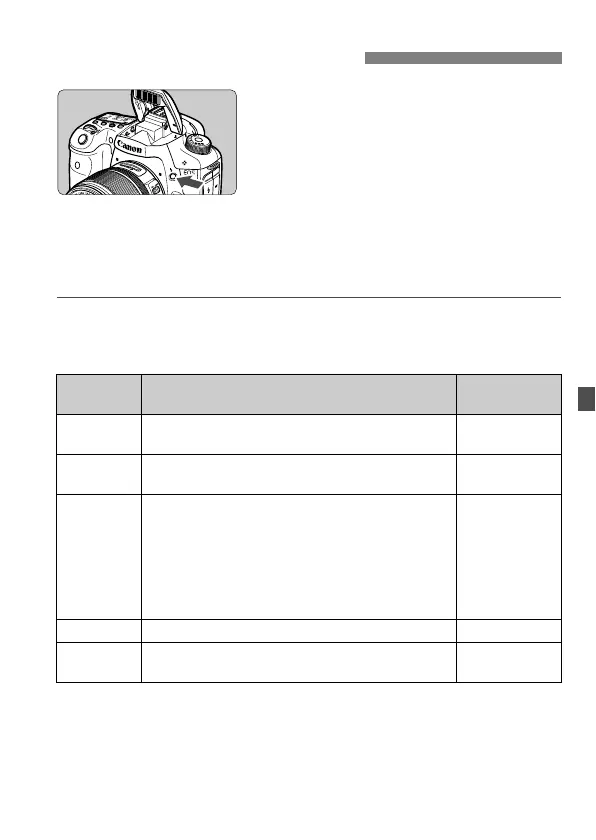
In the d/s/f/a/F shooting
modes, you can press the <D> button
to pop-up and fire the built-in flash
whenever desired. If the built-in flash
has popped up, you can push it back
down with your fingers. In the <1> (Full
Auto) mode, the built-in flash fires
automatically (p.52). In the <C> mode,
you can set it to fire automatically or
manually (p.55).
Using flash in the
d
/
s
/
f
/
a
/
F
shooting modes will set the shutter
speed and aperture as shown below. In any shooting mode, E-TTL II autoflash
control will take effect to suit the manually- or automatically-set aperture.
* Normally, the sync speed is set automatically within 1/250 sec. to 30 sec. to suit
the ambient brightness. In low light, the main subject is exposed with the
automatic flash, and the background is exposed with a slow shutter speed set
automatically. Both the subject and background look properly exposed
(automatic slow-speed flash sync). With slow shutter speeds, using a tripod is
recommended.
D Using the Built-in Flash
Shooting
Mode
Shutter Speed Aperture
d Automatically set within 1/250 sec. - 1/60 sec.
Automatically
set
s Manually set within 1/250 sec. - 30 sec.
Automatically
set
f
Automatically set
With [8C.Fn I -7: Flash sync. speed in Av
mode] (p.223), the following options for
automatic selection can be selected:
• 0: Auto*
• 1: 1/250 - 1/60 sec. auto
• 2: 1/250 sec. (fixed)
Set manually
a Manually set within 1/250 sec. - 30 sec. Set manually
F
While you hold down the shutter button, the
exposure will continue.
Set manually



 To Next Page