99
5
Advanced Operations
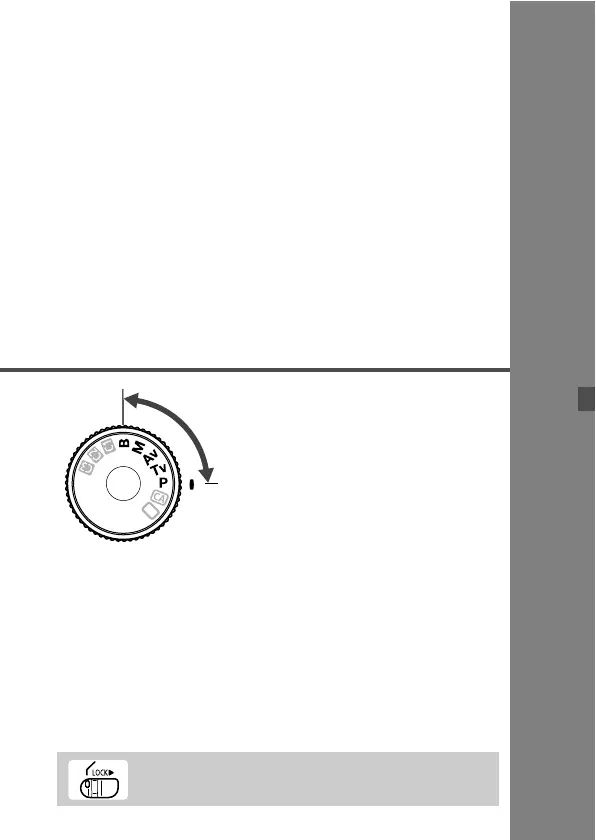
In the d/s/f/a/F
shooting modes, you can select
the shutter speed, aperture, and
other camera settings to change
the exposure and obtain the
desired result.
The M icon on the right of the page title indicates that the
function can be used when the Mode Dial is set to <d/s/
f/a/F>.
After you press the shutter button halfway and let go, the
LCD panel and viewfinder information will remain displayed
for about 4 sec. (0).
Functions which can be set in the d/s/f/a/F
shooting modes are listed in “Function Availability Table”
(p.254).
Be sure to first set the Quick Control Dial switch to <J>.



 To Next Page