38
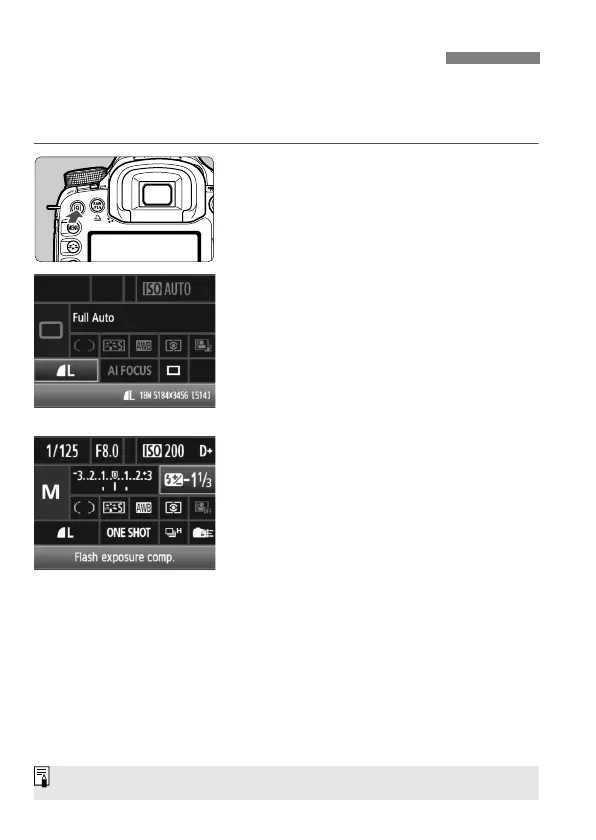
The shooting settings are displayed on the LCD monitor where you can
directly select and set the functions. This is called the Quick Control
screen.
1
Display the Quick Control screen.
Press the <Q> button.
The Quick Control screen will appear
(7).
2
Set the desired setting.
Use <9> to select a function.
In the <1> (Full Auto) mode, the
image-recording quality (p.60) and
the drive mode for single shooting or
10-sec. self-timer/remote control
(p.97, 114) can be selected.
The selected function is displayed on
the screen’s bottom.
Turn the <
5> or <6> dial to
change the setting.
3
Take the picture.
Press the shutter button completely to
take the picture.
The LCD monitor turns off and the
captured image is displayed.
Q Using the Quick Control Screen
Regarding the <C> (Creative Auto) mode, see page 55.



 To Next Page