change.
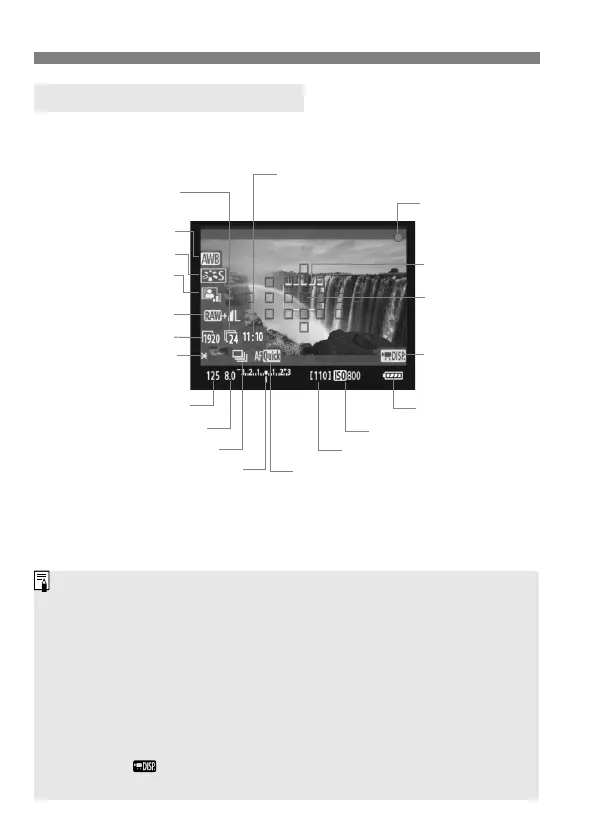
You can display the electronic level by pressing the <B> button
(p.244). When you start shooting a movie, the electronic level will turn
off. To display the electronic level again, stop the movie shooting and
press the <B> button. Note that if the AF mode is set to [u Live
mode] or the camera is connected to a TV set with an HDMI cable
(p.185), the electronic level cannot be displayed.
If there is no card in the camera, the movie shooting remaining time will
be displayed in red.
When movie shooting starts, the movie shooting remaining time will
change to the elapsed time.
When < > is displayed in white, it indicates that the Live View image
brightness is close to what the actual movie will look like.



 To Next Page