242
3 Setting Copyright InformationN
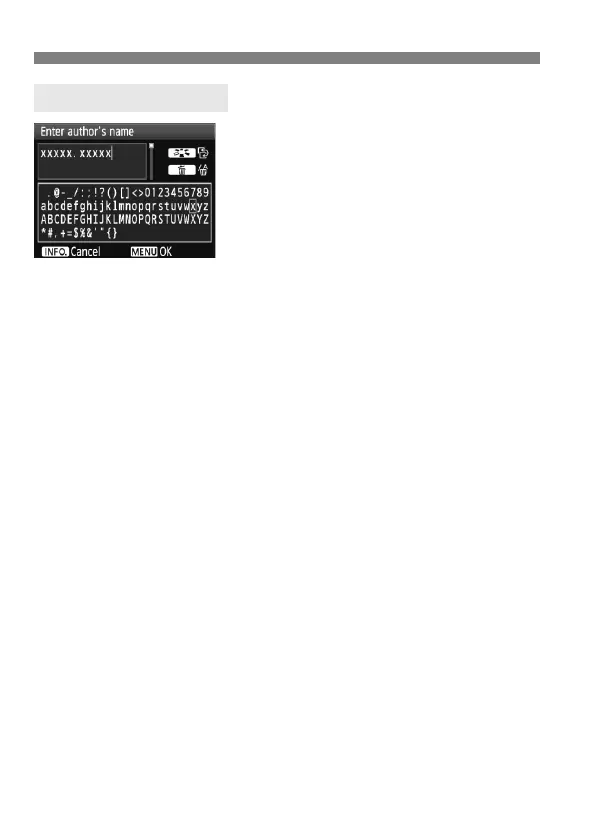
Changing the entry area
Press the <A> button to toggle
between the top and bottom entry
areas.
Moving the cursor
Turn the <5> dial to move the
cursor. You can also use <9> to
move the cursor.
Entering text
In the bottom area, turn the <5> dial to select a character, then
press <0> to enter it. You can also tilt <9> up, down, left, or right
to select a character and press it straight down to enter the
character.
Deleting a character
Press the <L> button to delete a character.
Exiting
After completing the text entry, press the <M> button to return to
the screen in step 2.
Canceling the text entry
To cancel the text entry, press the <B> button to return to the
screen in step 2.
Text Entry Procedure



 To Next Page