258
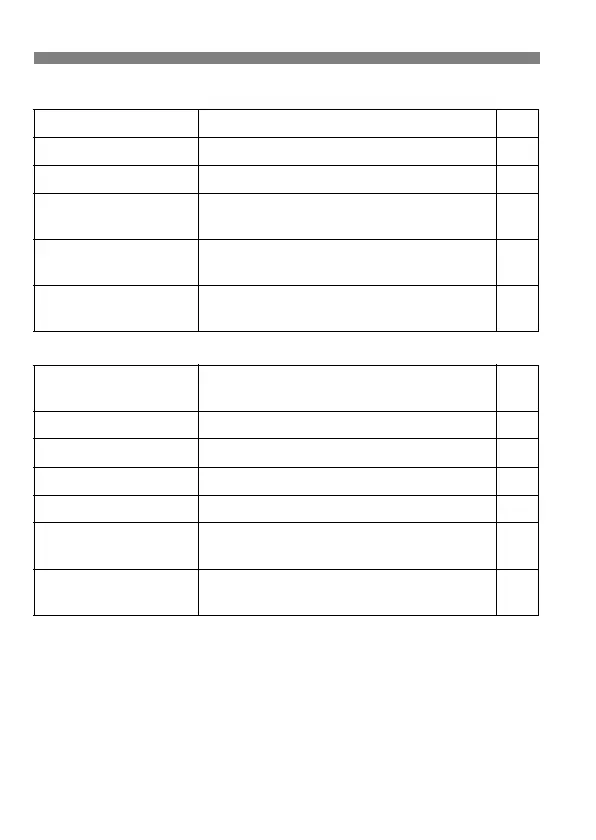
Menu Settings
4 Playback 2 (Blue) Page
5 Set-up 1 (Yellow)
Highlight alert Disable / Enable 167
AF point display
Disable / Enable 168
Histogram
Brightness / RGB 168
Slide show
Select the images and set the Play time and
repeat settings for automatic playback
182
Image jump w/6
1 image / 10 images / 100 images / Date /
Folder / Movies / Stills / Rating
170
External media backup
Displayed when external media is used via
WFT-E5 (sold separately)
–
Auto power off
1 min. / 2 min. / 4 min. / 8 min. / 15 min. / 30
min. / Off
46
Auto rotate
OnzD / OnD / Off 190
Format
Initialize and erase data in the card 45
File numbering
Continuous / Auto reset / Manual reset 84
Select folder
Create and select a folder 80
WFT settings
Displayed when WFT-E5 (sold separately) is
attached
–
Recording
function+media select
Displayed when external media is used via
WFT-E5 (sold separately)
–



 To Next Page