283
Compatible OS
1
Check that the camera is not connected to your computer.
2 Insert the EOS Solution Disk (CD).
3 Select your geographic area, country and language.
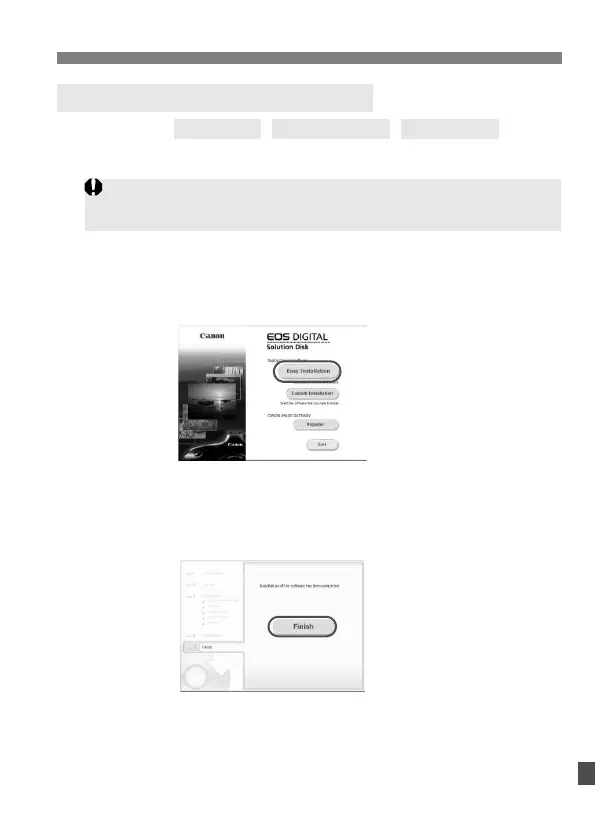
4 Click [Easy Installation] to start installation.
Follow the on-screen instructions to complete the installation
procedure.
If prompted, install Microsoft Silverlight.
5 Click [Finish] when the installation has completed.
6 Remove the CD.
Installing the Software on Windows
Never connect the camera to your computer before you install the
software. The software will not be installed correctly.
Windows 7
Windows Vista Windows XP



 To Next Page