1
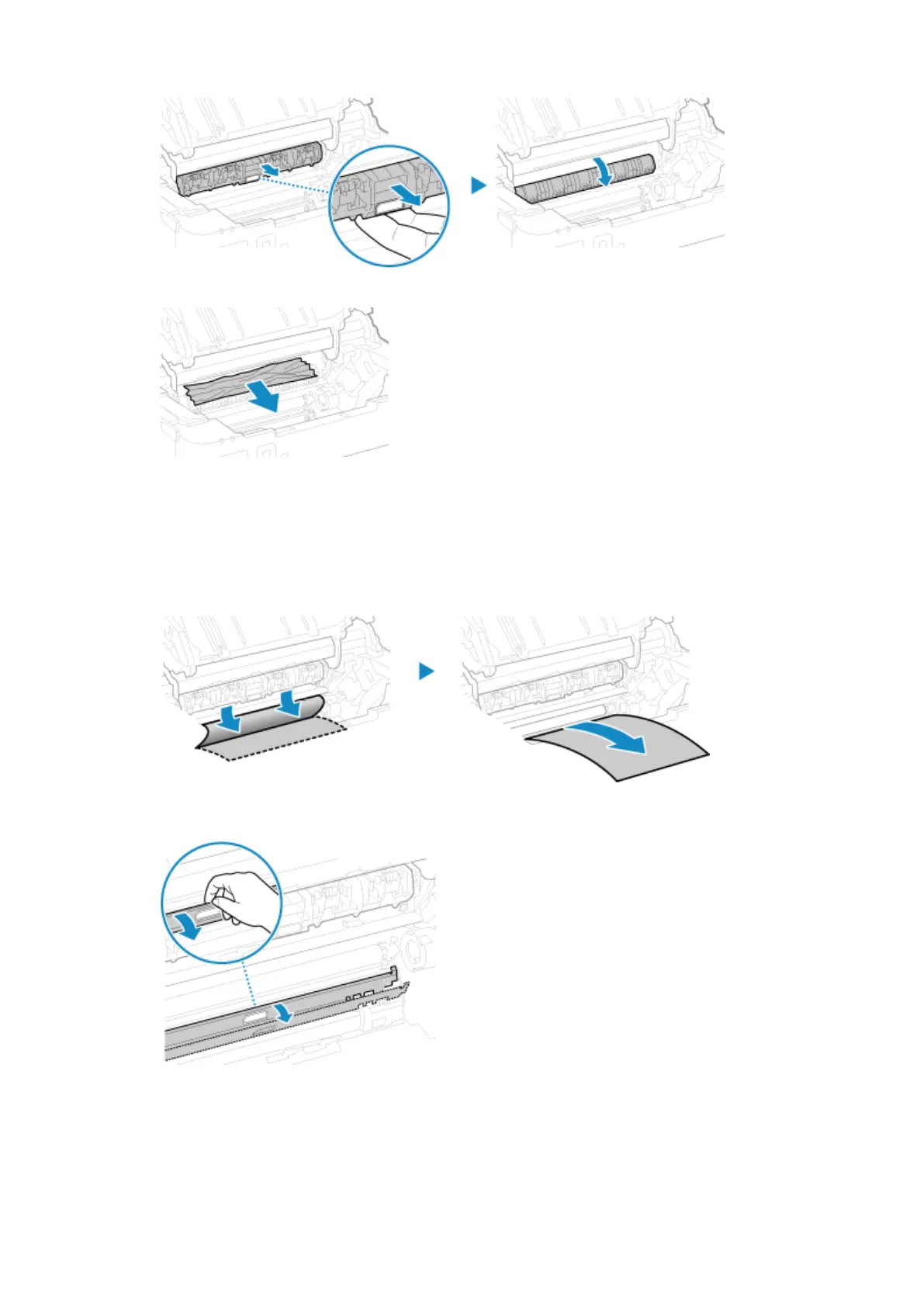
Pull out the transport guide.
2
Gently pull out the paper.
3
Close the paper exit guide.
5
Remove the paper jammed inside the machine.
1
Gently pull out the paper.
Holding both sides of the paper, pull the front edge of the paper out and downwards.
2
Check whether paper is jammed in the guides.
If paper is jammed
Open the paper cover and remove any other loaded paper. Then slowly pull out the jammed
paper.
Troubleshooting
273













 To Next Page