Load paper in the paper drawer and close the paper cover.
6
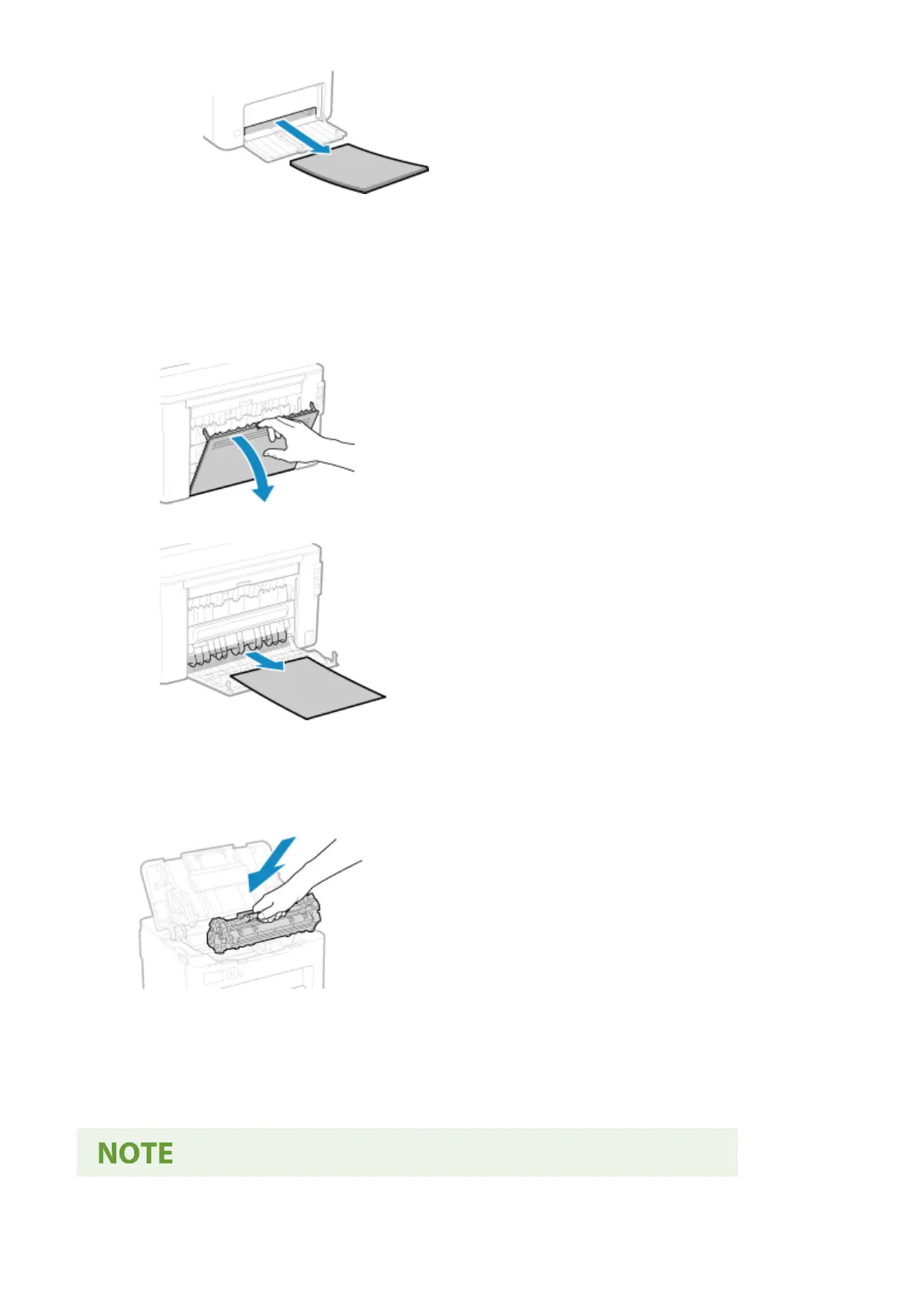
Remove the paper jammed inside rear cover.
1
Open the rear cover.
2
Gently pull out the paper.
3
Close the rear cover.
7
Insert the toner cartridge.
8
Close the toner cover.
➠ The message [Paper jammed.] disappears, and printing r
esumes automatically.
If printing does not resume automatically, try printing again.
Troubleshooting
274













 To Next Page