4
Click [Cancel].
Viewing the Network Connection Information of the Computer
When Using Windows(P. 352)
When Using macOS(P. 353)
◼ When Using Windo
ws
1
Right-click [
] (Start), and click [Network Connections].
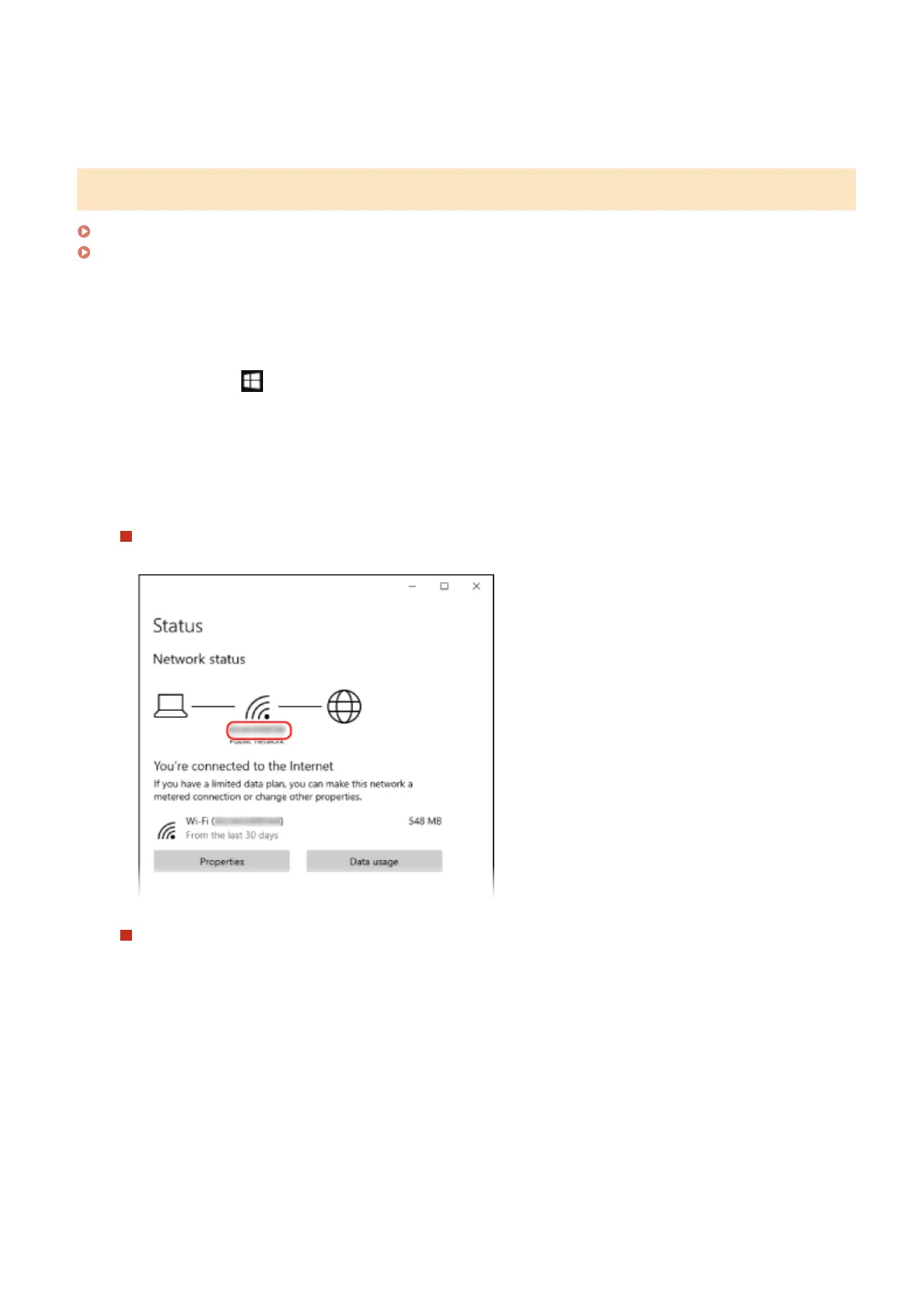
➠ The [Status] scr
een is displayed.
2
View the network connection information.
Viewing the SSID of the Wired LAN
Vie
w the SSID in [Network status].
Viewing the IP Address and DNS Server
1
Click [Properties] for the connected network.
2
In [Properties], view the IP address and DNS server.
Appendix
352













 To Next Page