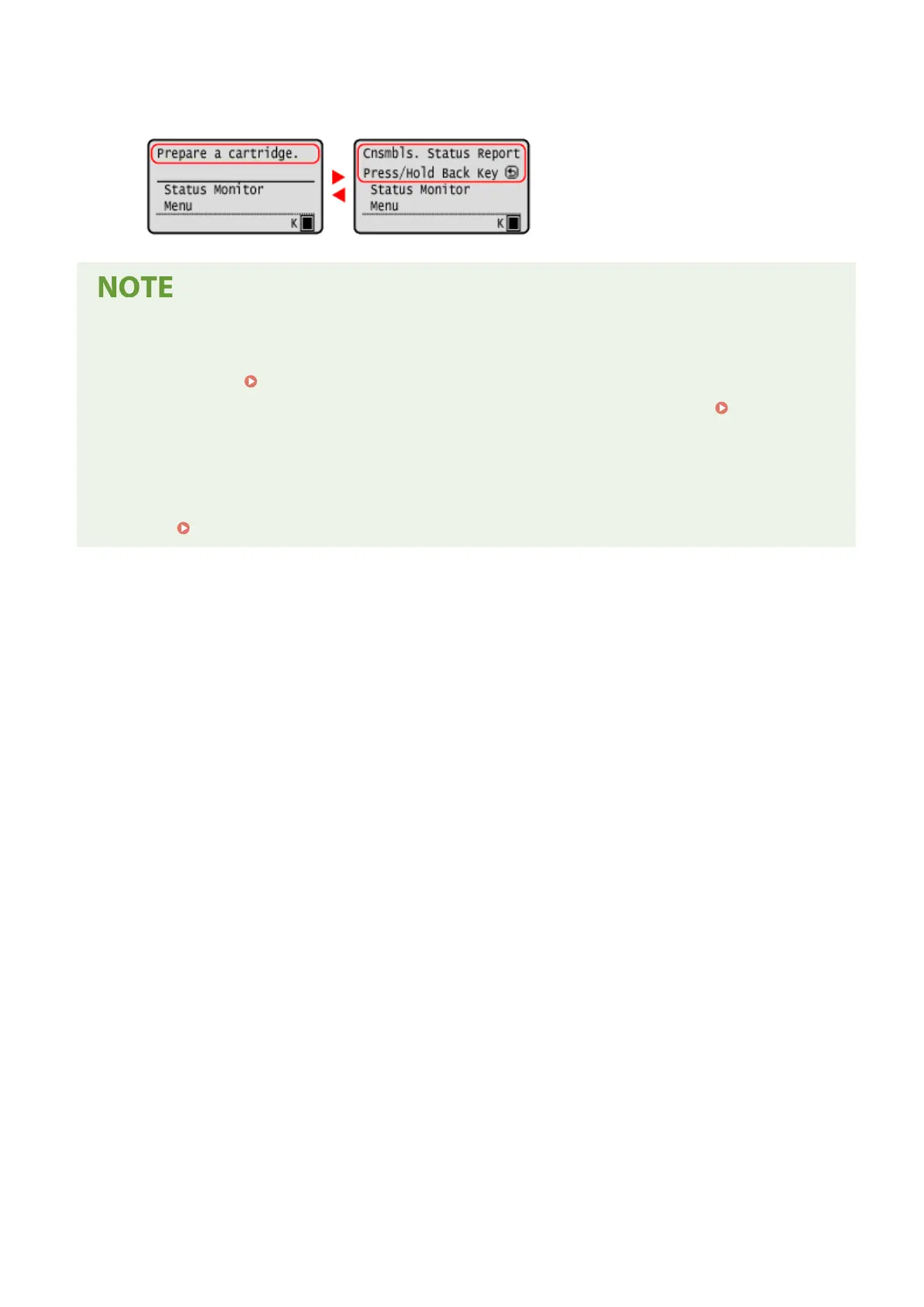
● When a Message Appears on the Scr
een
If the message is too long to display at once, it may be separated into smaller segments and displayed
alternately.
Changing the Screen Display
● Y
ou can change the operation panel display such as by changing the display language and units, and show
or hide messages.
[Display Settings](P. 198)
● Y
ou can invert the screen colors and adjust the contrast to make the screen easier to view.
[Accessibility]
(P
. 217)
Clearing the Settings Automatically
● By default, if no operations are performed after a certain period of time, the settings being congured on
the screen are cleared, and the [Home] screen is displayed. You can change the time until the settings are
cleared.
[Auto Reset Time](P. 202)
Basic Operations
80













 To Next Page