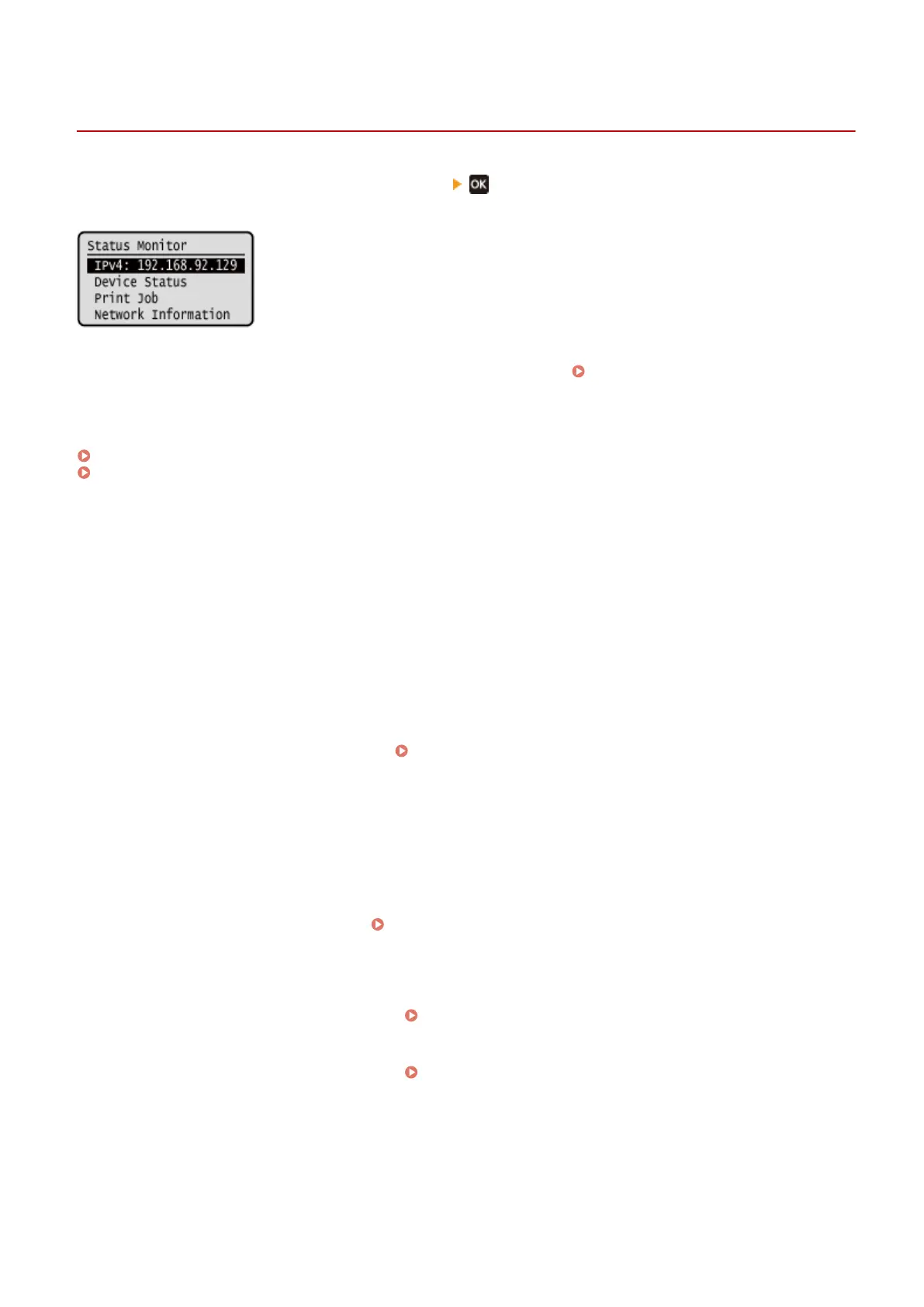
[Status Monitor] Screen
95LW-022
This scr
een is displayed when you press [Status Monitor]
in the [Home] screen and other locations.
Use this scr
een to check the information of the machine, usage and logs, network settings, and error information.
[IPv4]
Displays the IPv4 addr
ess of the machine by default. You can also hide this.
[Display IP Address](P. 199)
[Err
or Information/Notication]
You can check the information of errors that occur on the machine. Take troubleshooting measures according to the
error details.
A Message Appears(P. 325)
An Error Code Is Displayed(P. 336)
[De
vice Status]
[Paper Information]
Check the remaining amount of paper for the paper source.
[Cartridge Level]
Check the remaining amount of toner in the toner cartridge.
Other internal parts may reach the end of their lifetime before the toner runs out.
[Check Toner Cartridge Name]
Check the toner cartridge name.
[Check Counter]
Check the total number of pages printed.
Checking the Number of Printed Pages (Check Counter)(P. 194)
[V
ersion Information]
Displays the rmware version information of the machine.
[Serial Number]
Displays the serial number of the machine.
[Print Job]
Displays the print processing status and log.
Viewing the Print Job Status and Log(P. 123)
[Network Information]
[IPv4]
Check the IPv4 addr
ess and other settings.
Setting IPv4 Addresses(P. 50)
[IPv6]
Check the IPv6 addr
ess and other settings.
Setting IPv6 Addresses(P. 52)
[Network Connection Method]
Check whether the machine has a wir
ed or wireless connection.
Displays the connection status and error information when connected by wireless LAN.
[Direct Connection Information]
Displays the connection status when directly connected to a device.
Basic Operations
82













 To Next Page