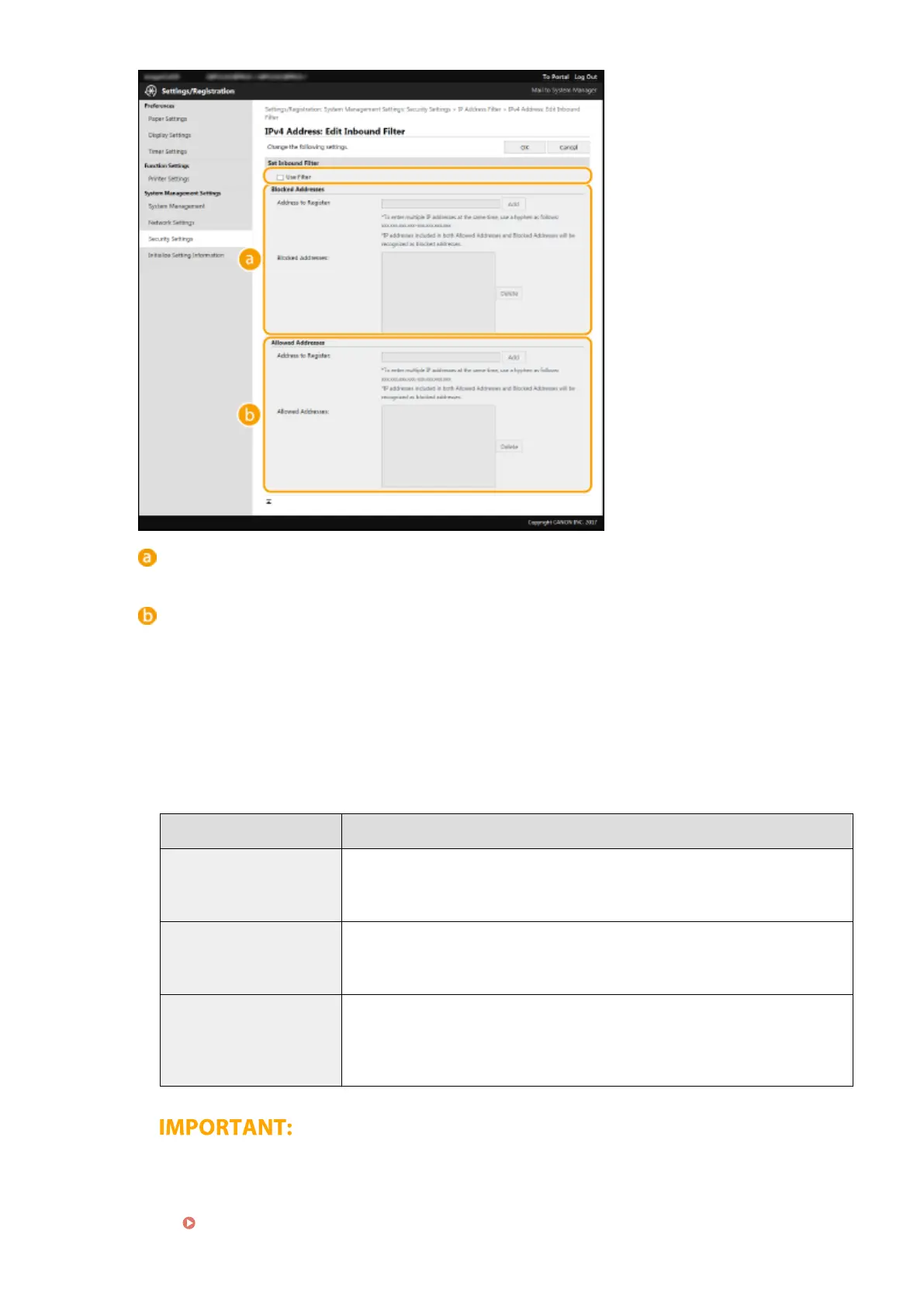
[Block
ed Addresses]
Register addresses to be blocked, as well as check or delete registered blocked addresses.
[Allo
wed Addresses]
Register addresses to be allowed, as well as check or delete registered allowed addresses.
1
Select the [Use Filter] check box.
● Select the check bo
x to restrict communication. Clear the check box to disable the restriction.
2
Specify the address.
● Enter the IP address (or the range of IP addresses) in the [Address to Register] text box and click
[Add].
Registered address Result
[Blocked Addresses]
Restricts communication (received) with devices having their IP addresses entered
for [Addr
ess to Register]. Communication is allowed with devices with any other IP
addresses.
[Allowed Addresses]
Allows communication (received) only with devices having their IP addresses entered
for [Address to Register], and restricts communication with devices with any other IP
addresses.
Registered as both
Allows communication (received) only with devices having their IP addresses
registered in [Allowed Addresses], and restricts communication with devices with any
other IP addresses. However, communication is restricted for IP addresses also
registered in [Blocked Addresses].
Check for entry errors
● If IP addr
esses are incorrectly entered, you may be unable to access the machine from the Remote UI,
in which case you need to set <IPv4 Address Filter> or <IPv6 Address Filter> to <Off>.
<IPv4 Address Filter>(P. 231)
Managing the Machine
153














 To Next Page