Conguring Printing Pr
otocols and WSD Functions
23FJ-010
Congur
e the protocols that are used for printing documents from a networked computer.
● For mor
e information about the basic operations to be performed when setting the machine from the
Remote UI, see
Setting Up Menu Options from Remote UI(P. 187) .
1
Start the Remote UI and log in to System Manager Mode. Starting Remote
UI(P
. 179)
2
Click [Settings/Registration] on the Portal page.
Remote UI Screen(P. 180)
3
Click [Network Settings] [TCP/IP Settings].
4
Congure printing pr
otocols.
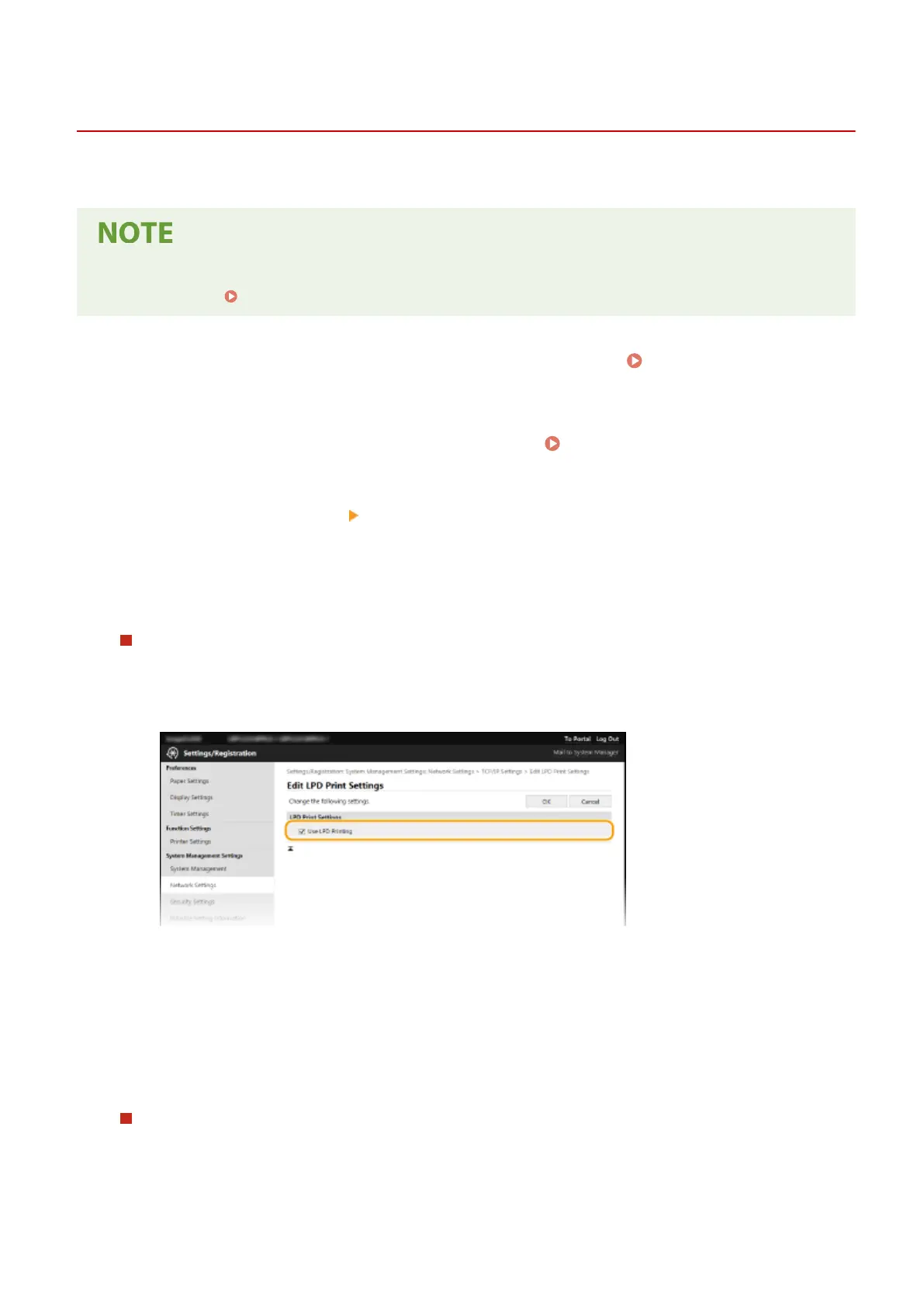
Conguring LPD or RAW
1
Click [Edit] in [LPD Print Settings] or [RAW Print Settings].
2
Congure the settings as necessary
.
[Use LPD Printing]
Select the check bo
x to print via LPD. When not using LPD printing, clear the check box.
[Use RAW Printing]
Select the check box to print via RAW. When not using RAW printing, clear the check box.
3
Click [OK].
Conguring WSD
1
Click [Edit] in [WSD Settings].
2
Congure the settings as necessary
.
Setting Up
47














 To Next Page