Entering Text
23FJ-01Y
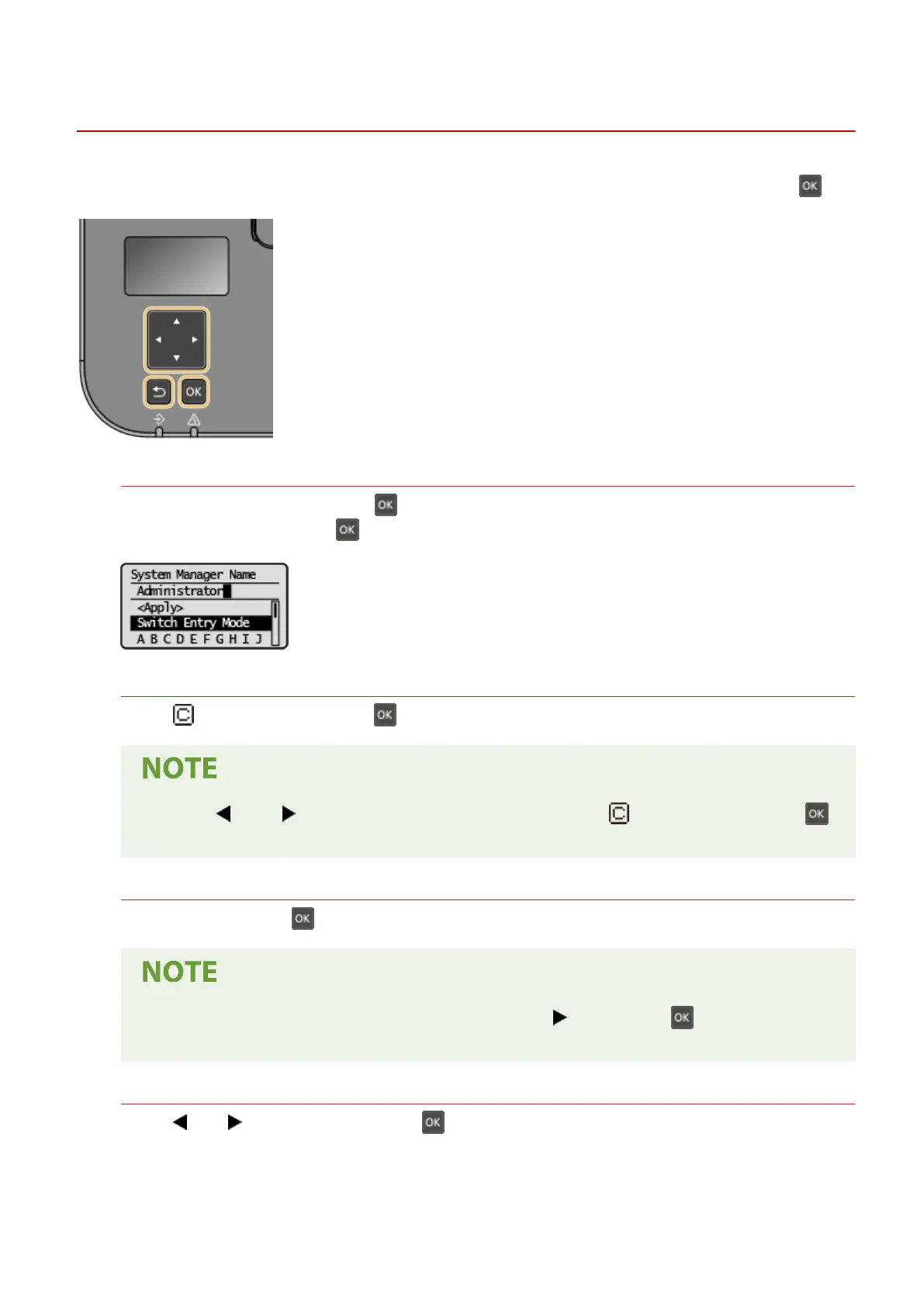
Use the k
eys shown on the display to enter text and values. Select a character or number you want, and press
.
Selecting the Type of Text
Select <Switch Entry Mode> and press to display the screen for selecting the type of text that is entered.
Select the type of te
xt and press
.
Deleting Text
Select < > on the screen, and press to delete the character you entered.
● When < > and < > do not appear on the screen, you can select < > on the screen and press
to delete all of the characters you entered.
Entering a Space
Select <Space> and press to enter a space.
● When the cursor is located at the last char
acter, selecting <
> and pressing allows a space to be
enter
ed.
Moving the Cursor
Select < > or < > on the screen, and press to move the cursor.
Basic Operations
93














 To Next Page