Preparations Required Before Use
23FJ-008
Set up the machine follo
wing steps 1 to 3 in order. For more information about a particular step, click on the link to go
to the corresponding section. In addition, to use the machine safely, also check
Preventing Unauthorized
Access(P
. 16) .
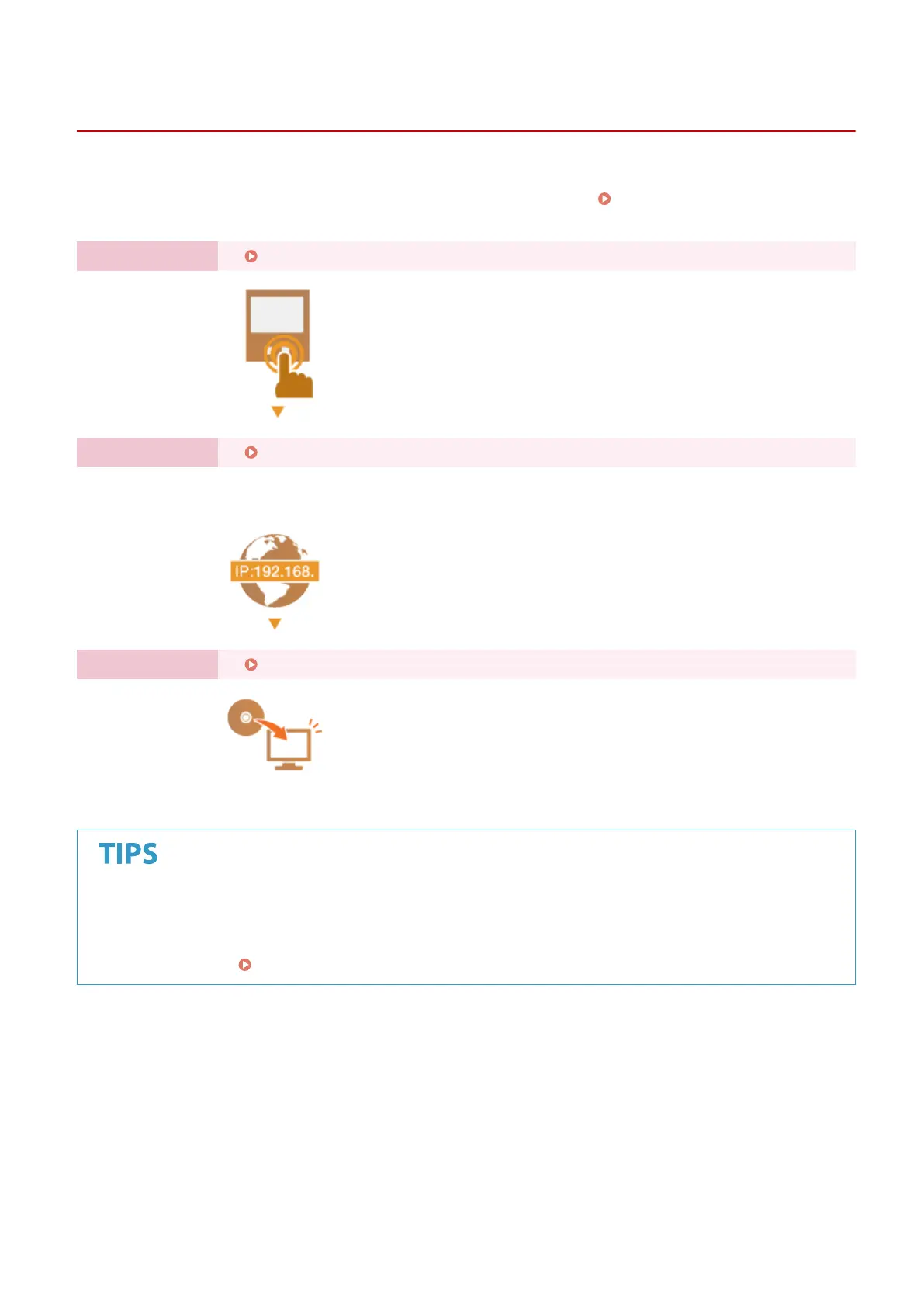
Step 1 Setting Up Using the Setup Guide(P. 18)
Step 2 Setting Up the Network Environment(P. 21)
● Congur
e the network settings that are not covered in the Setup Guide. If you do not need
to use the Setup Guide, congure the network settings from here.
Step 3 Installing Drivers(P. 71)
Setting from the Remote UI
● When the network envir
onment settings are complete, you can eciently set the machine from a computer
using Remote UI.
Starting Remote UI(P. 179)
Setting Up
15














 To Next Page