Turning OFF the Machine
23FJ-01K
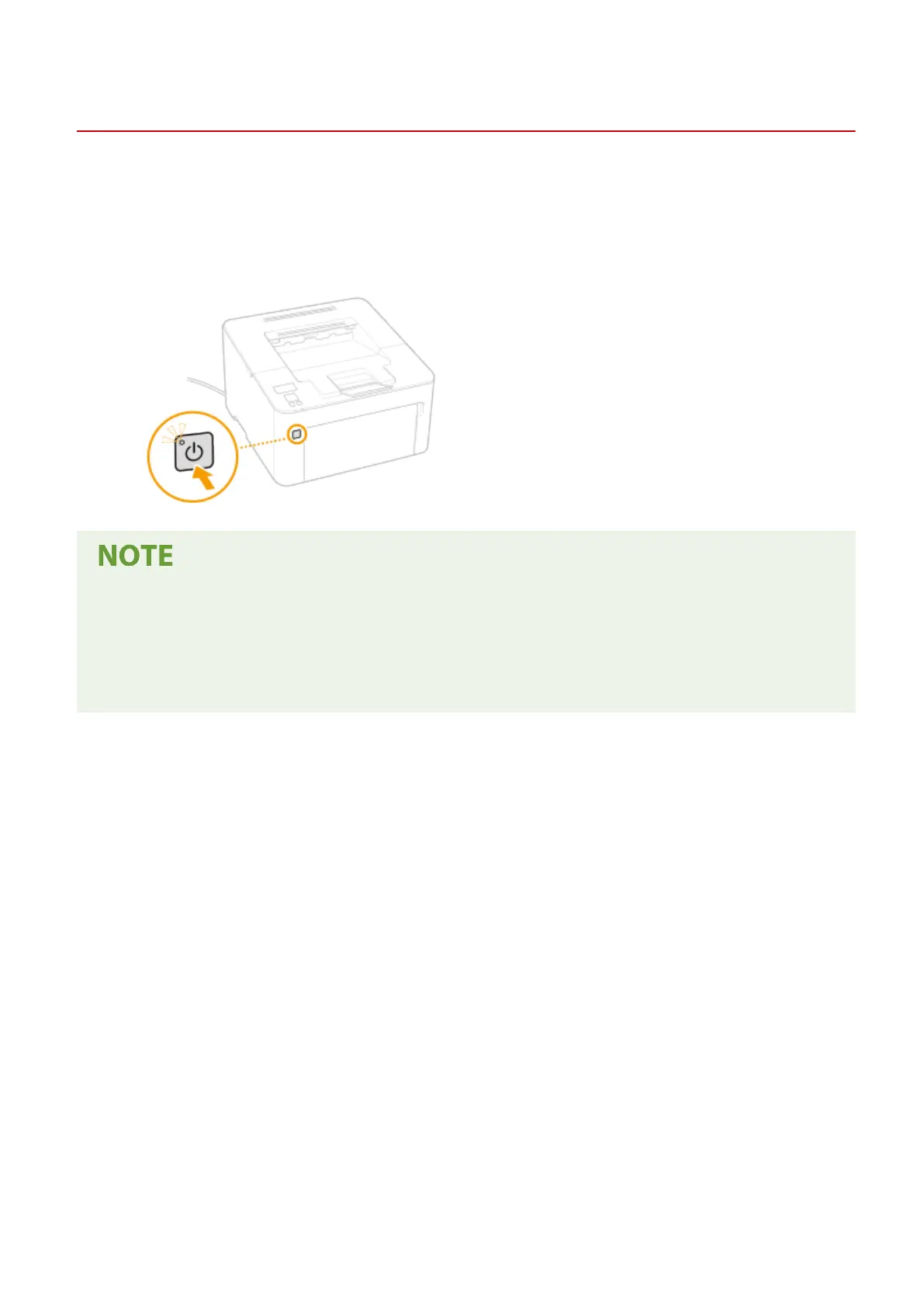
This section describes ho
w to turn OFF the machine.
1
Press the power switch.
● Mak
e sure that the power indicator has gone out.
● It may tak
e some time for the machine to completely shut down. Do not unplug the power cord until the
display turns off.
● To restart the machine, wait for at least 10 seconds after the machine is turned OFF.
● Even when the power is turned OFF, the machine continues to consume a small amount of power. To reduce
power consumption to zero, unplug the power plug from the AC power outlet.
Basic Operations
84














 To Next Page