Setting Up Menu Options from Remote UI
23FJ-03S
Y
ou can change the various machine settings by using the Remote UI. Most of the settings can be set also on the
machine, but some settings can only be set using the Remote UI. This section describes the basic ow of changing the
settings of the machine using the Remote UI.
● Some settings can only be changed when you have logged in to System Manager Mode.
● Some settings may r
equire operations that differ from the procedure described here.
1
Start the Remote UI.
Starting Remote UI(P. 179)
2
Click [Settings/Registration] on the Portal page.
Remote UI Screen(P. 180)
3
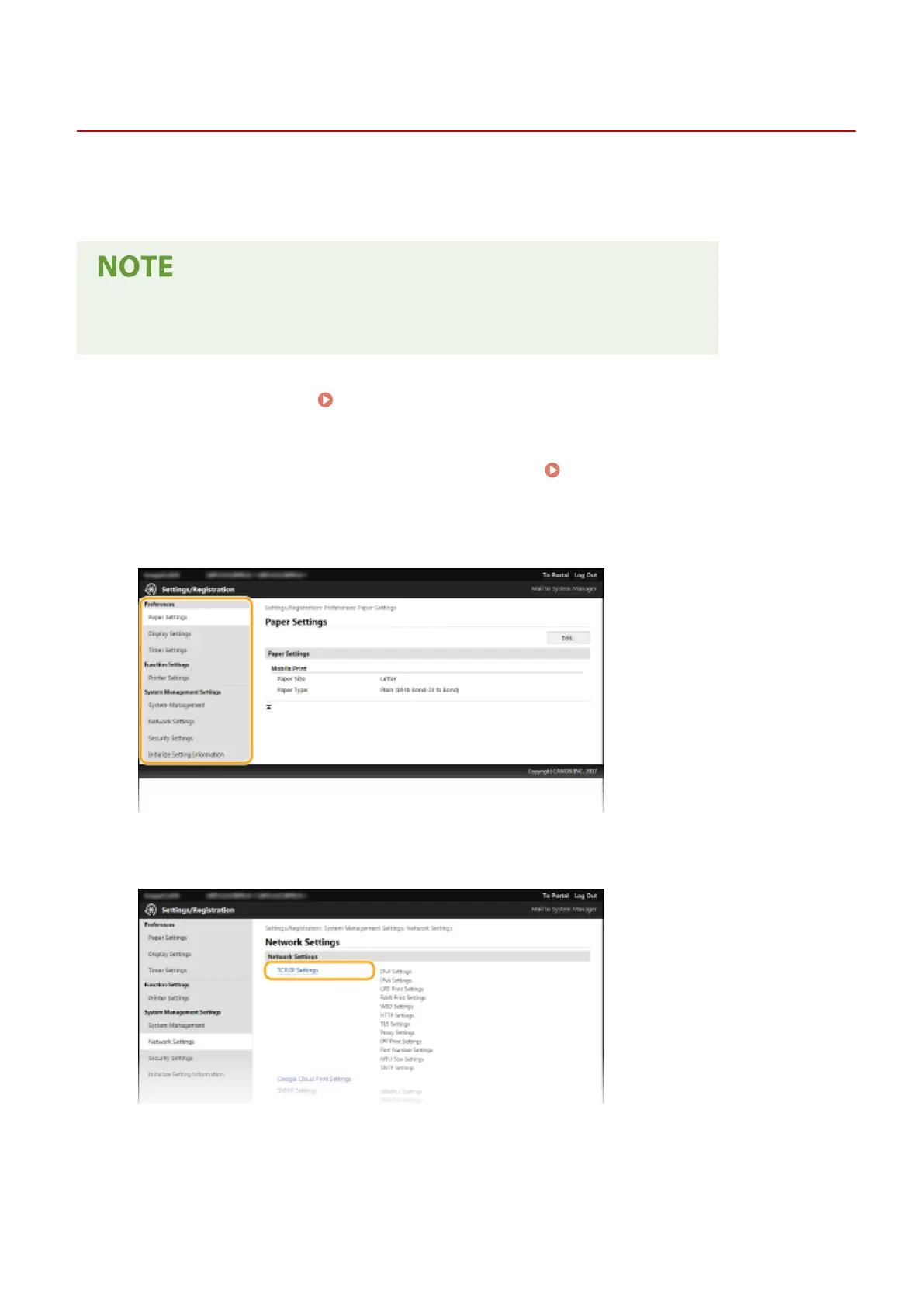
Click the setting you want to congur
e in the menu on the left side of the screen.
4
Click the link to display the desired page as necessary.
5
Click [Edit].
Managing the Machine
187














 To Next Page