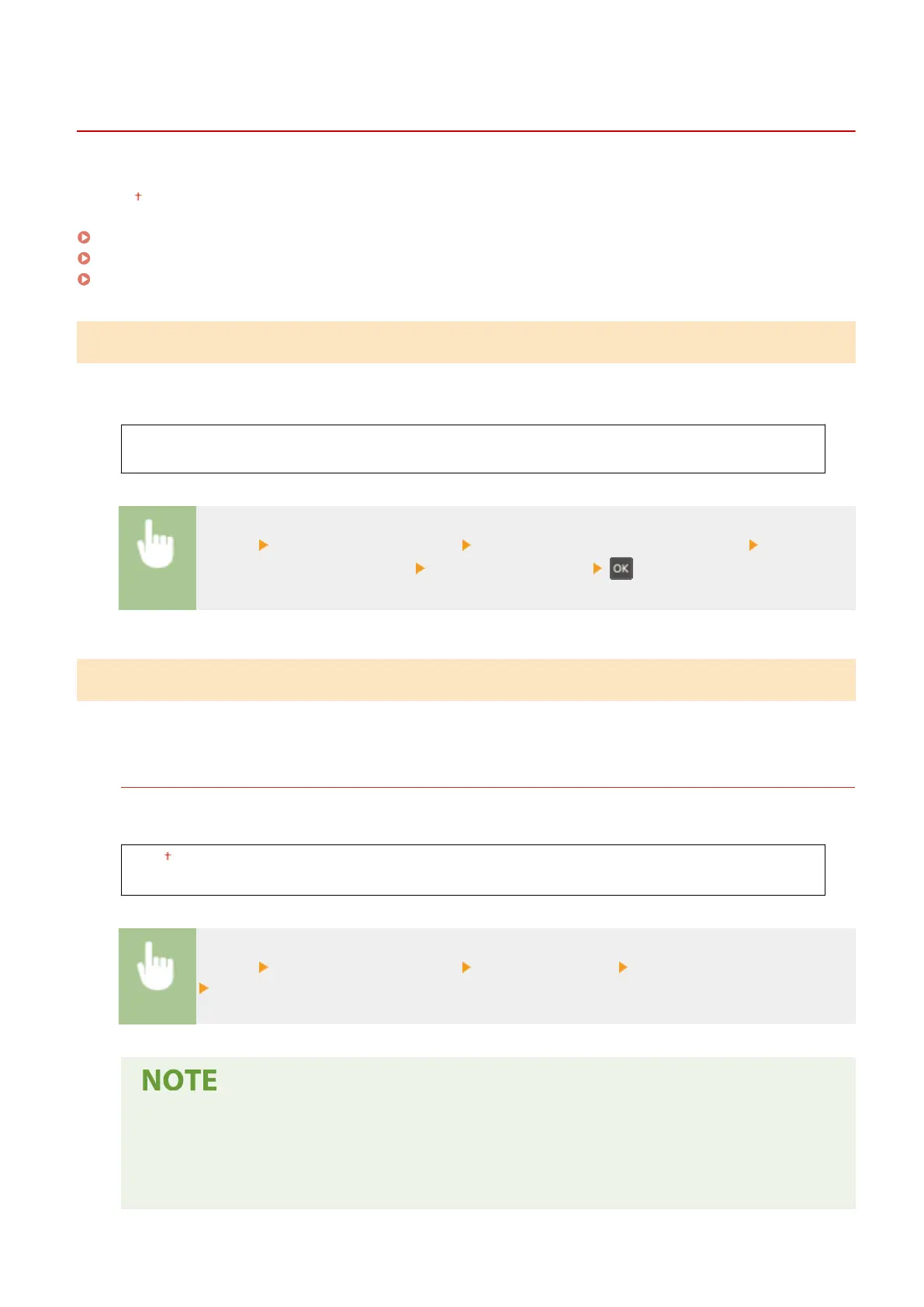
<Adjustment/Maintenance>
23FJ-043
All the settings r
elated to adjustment and maintenance are listed with descriptions. Default settings are marked with a
dagger (
).
<Displ. Timing for Cartridge Prep. Notif.>(P. 226)
<Special Processing>(P. 226)
<Clean Fixing Assembly>(P. 229)
<Displ. Timing for Cartridge Prep. Notif.>
Set the display timing for the message notifying you that the amount r
emaining in the toner cartridge or the drum
cartridge is low.
<Toner Cartridge>
<Drum Cartridge>
<Menu> <Adjustment/Maintenance> <Displ. Timing for Cartridge Prep. Notif.> Select <Toner
Cartridge> or <Drum Cartridge> Enter the cartridge level
<Special Processing>
If the print r
esults on special types of paper are not satisfactory, the following settings may improve the quality of the
printouts.
<Special Printing Mode U>
Sometimes toner appears splattered around text or patterns in a printout. In such cases, setting this to <On>
may impr
ove the quality of the printout.
<Off>
<On>
<Menu> <Adjustment/Maintenance> <Special Processing> <Special Printing Mode U>
<On>
● Setting this to <On> may affect the print quality for some types of paper (especially for lightweight
paper) or in some printing envir
onments (especially in high humidity environments).
● When you set this to <On>, <Special Printing Mode Q>, <Special Printing Mode R>, and <Special
Printing Mode T> are set to <Off> automatically.
Setting Menu List
226








 To Next Page