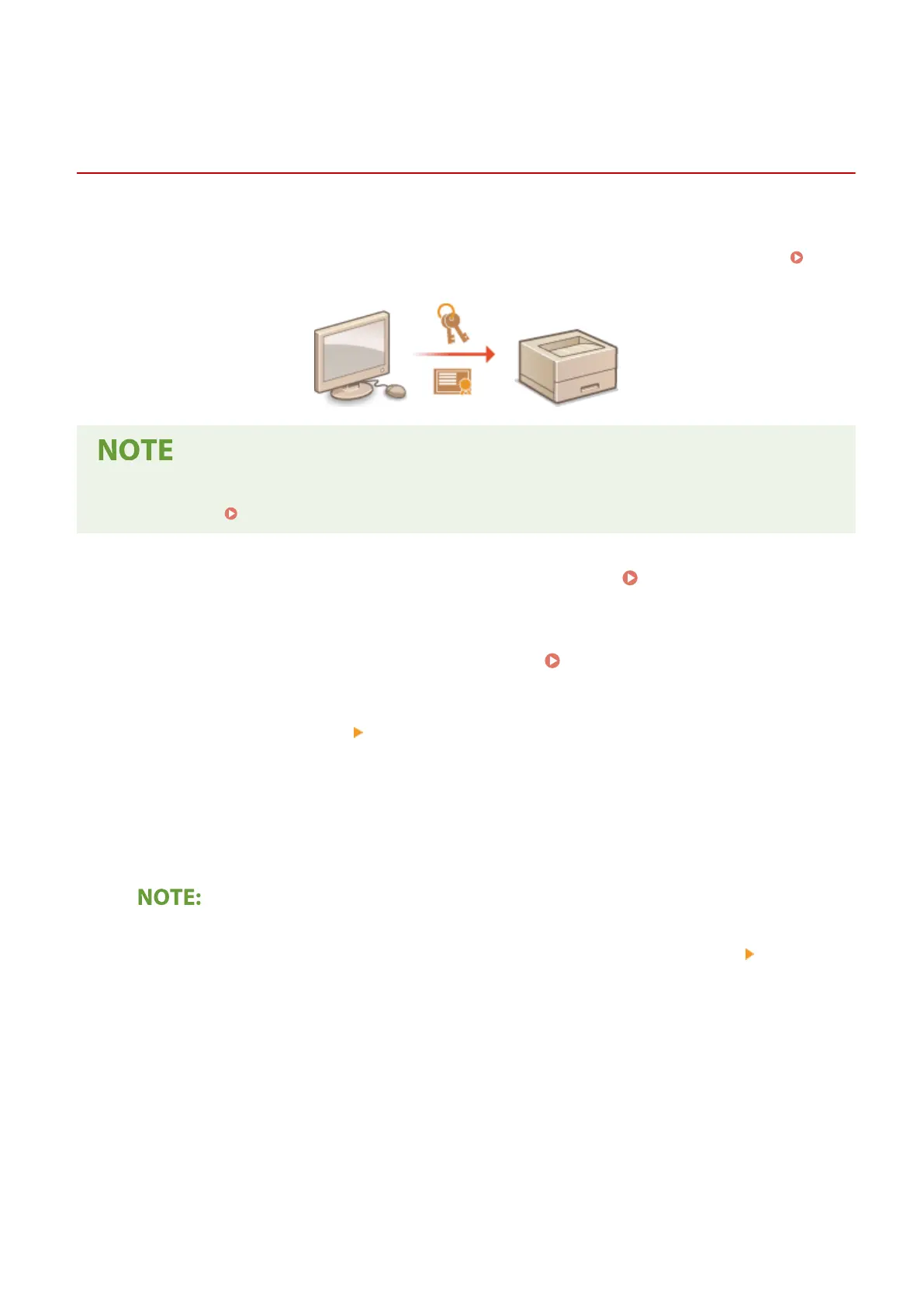
Registering the Key and Certicate for Network
Communication
23FJ-03C
Y
ou can obtain the key and certicate, and the CA certicate from a certication authority (CA) for use with the
machine. Install and register the obtained key and certicate le and CA certicate le in this machine using Remote
UI. Check the key and certicate, and CA certicate conditions that are required for the machine in advance (
Management Functions(P. 322) ).
● For mor
e information about the basic operations to be performed when setting the machine from the
Remote UI, see
Setting Up Menu Options from Remote UI(P. 187) .
1
Start the Remote UI and log in to System Manager Mode. Starting Remote
UI(P
. 179)
2
Click [Settings/Registration] on the Portal page.
Remote UI Screen(P. 180)
3
Select [Security Settings] [Key and Certicate Settings] or [CA Certicate Settings].
● Click [Ke
y and Certicate Settings] to install a key and certicate, or [CA Certicate Settings] to install a CA
certicate.
4
Click [Register Key and Certicate] or [Register CA Certicate].
Deleting a registered key and certicate or CA certicate
● Click
[Delete] on the right of the key and certicate or CA certicate you want to delete
click
[OK]. You
cannot delete the preinstalled CA certicates.
● A key and certicate cannot be deleted if it is currently used for some purpose, such as when "[TLS]" is
displayed under [Key Usage]. In this case, disable the function or replace the key and certicate before
deleting it.
Disabling or enabling the preinstalled CA certicates
● Click [Disable] on the right of the preinstalled CA certicate you want to disable. To enable the certicate
again, click [Enable] on the right of the certicate.
5
Click [Install].
Managing the Machine
168














 To Next Page