<Gradation>
<Error Diffusion>
<Priority>
<Speed Priority>
<Image Quality Priority>
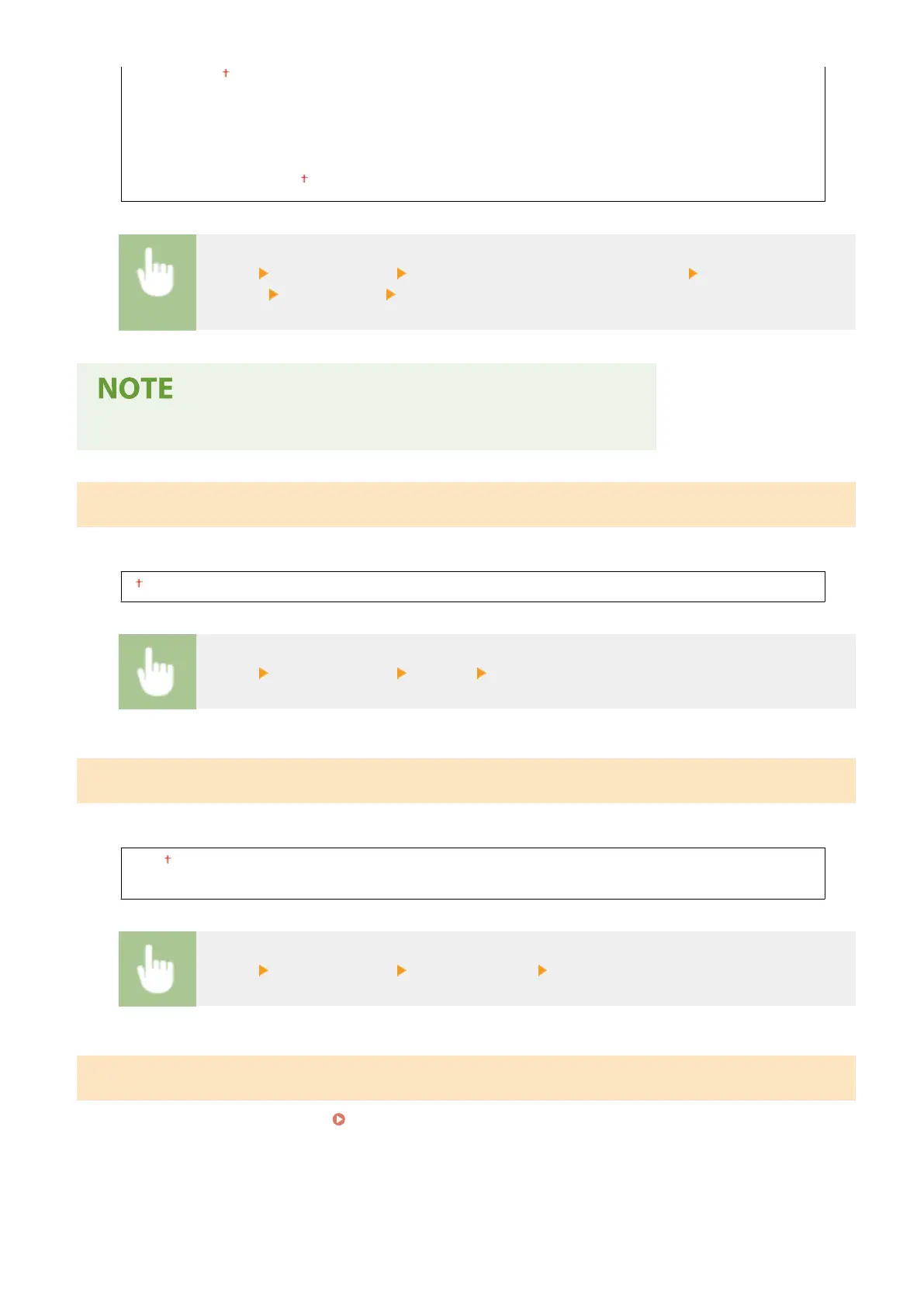
<Menu> <Printer Settings> <Image Quality Settings for Mobile Print> Select <Halftone> or
<Priority> Select the item <Apply>
● When <Priority> is set to <Speed Priority>, you cannot select <Err
or Diffusion>.
<Copies>
Set the number of copies to print.
1 to 999
<Menu> <Printer Settings> <Copies> Set the number of copies to print
<2-Sided Printing>
Select whether to mak
e 2-sided printouts.
<Off>
<On>
<Menu> <Printer Settings> <2-Sided Printing> Select <Off> or <On>
<Default Paper>
Use this item to specify the paper size. Available Paper(P. 317)
Setting Menu List
216








 To Next Page