Setting the Date/Time
23FJ-00C
Set the date and time for the machine. The date and time ar
e used as the reference for the functions specifying the
time, therefore, they need to be set accurately.
Setting the Time Zone(P. 19)
Setting the Current Date and Time(P. 19)
Setting the Daylight Saving Time(P. 20)
Setting the Time Zone
If the time zone setting is changed, the values set in <Current Date/Time Settings> are also changed accordingly.
1
Select <Menu> in the Home screen.
Home Screen(P. 87)
2
Select <Timer Settings> <Date/Time Settings> <Time Zone>.
3
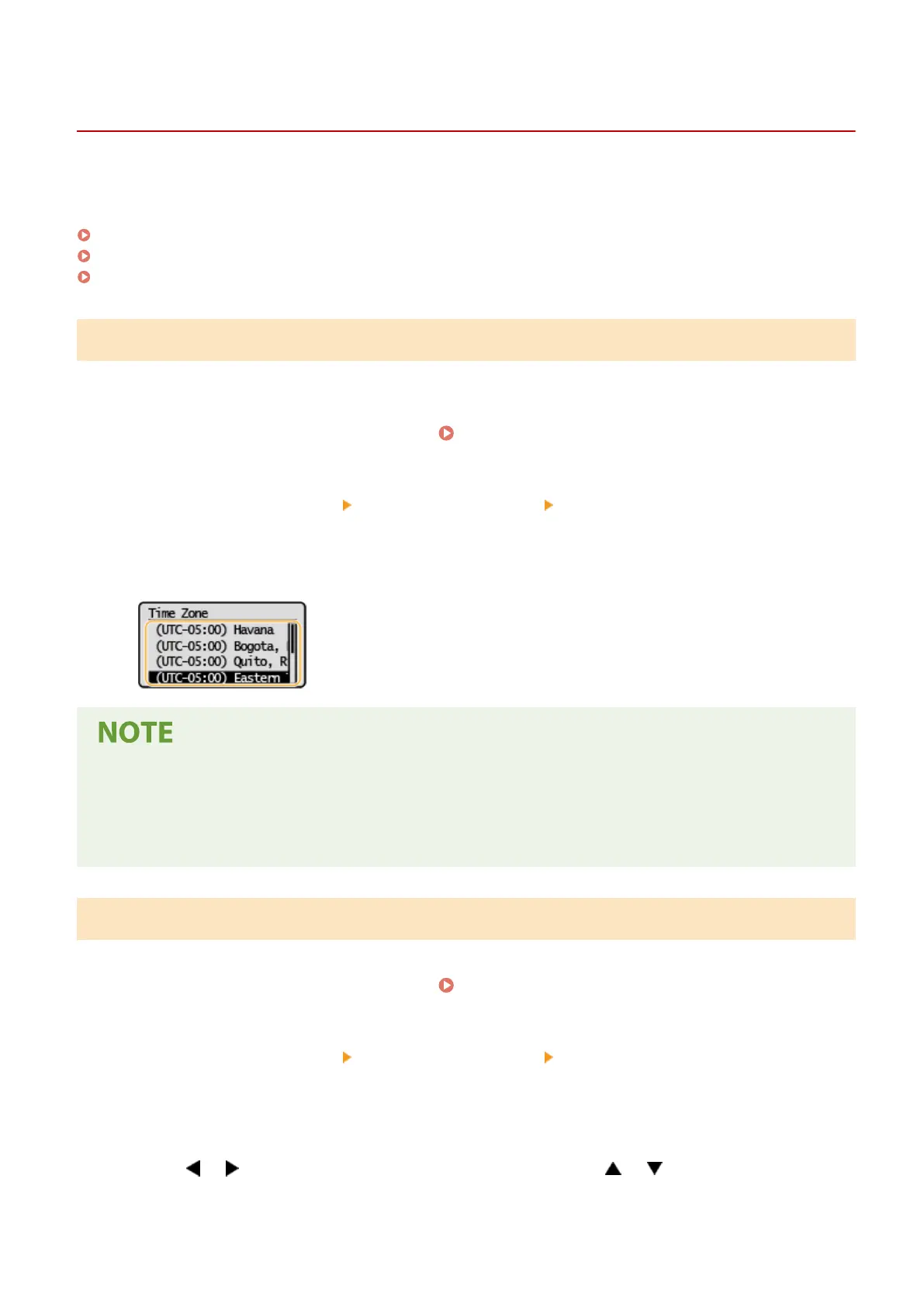
Select the time zone.
What is UTC?
● Coor
dinated Universal Time (UTC) is the primary time standard by which the world regulates clocks and
time. Time differences exist depending on the country or area where the machine is used. The correct UTC
time zone setting is required for Internet communications.
Setting the Current Date and Time
1
Select <Menu> in the Home screen.
Home Screen(P. 87)
2
Select <Timer Settings> <Date/Time Settings> <Current Date/Time Settings>.
3
Enter the date and time.
● Use or to move the cursor, and enter the date and time using or .
Setting Up
19














 To Next Page