Turning ON the Machine
23FJ-01J
This section describes ho
w to turn ON the machine.
1
Make sure that the power plug is rmly inserted into a po
wer outlet.
2
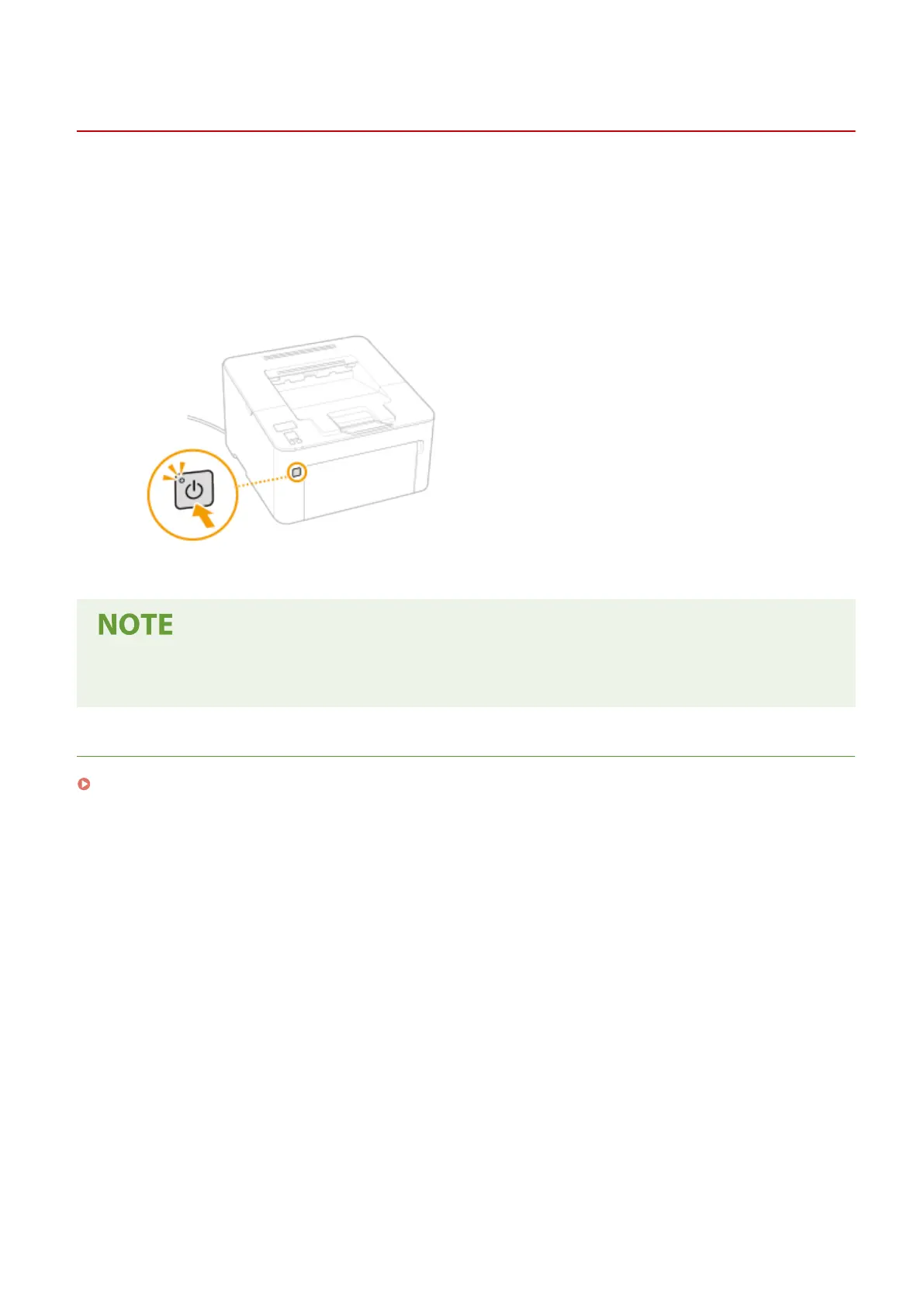
Press the power switch.
➠ The po
wer indicator lights and the machine is ready for printing.
● A blank sheet of paper may be output when you turn ON the po
wer for the rst time after purchasing the
machine. This is not a malfunction.
LINKS
Turning OFF the Machine(P. 84)
Basic Operations
83














 To Next Page