Disabling Remote UI
23FJ-03J
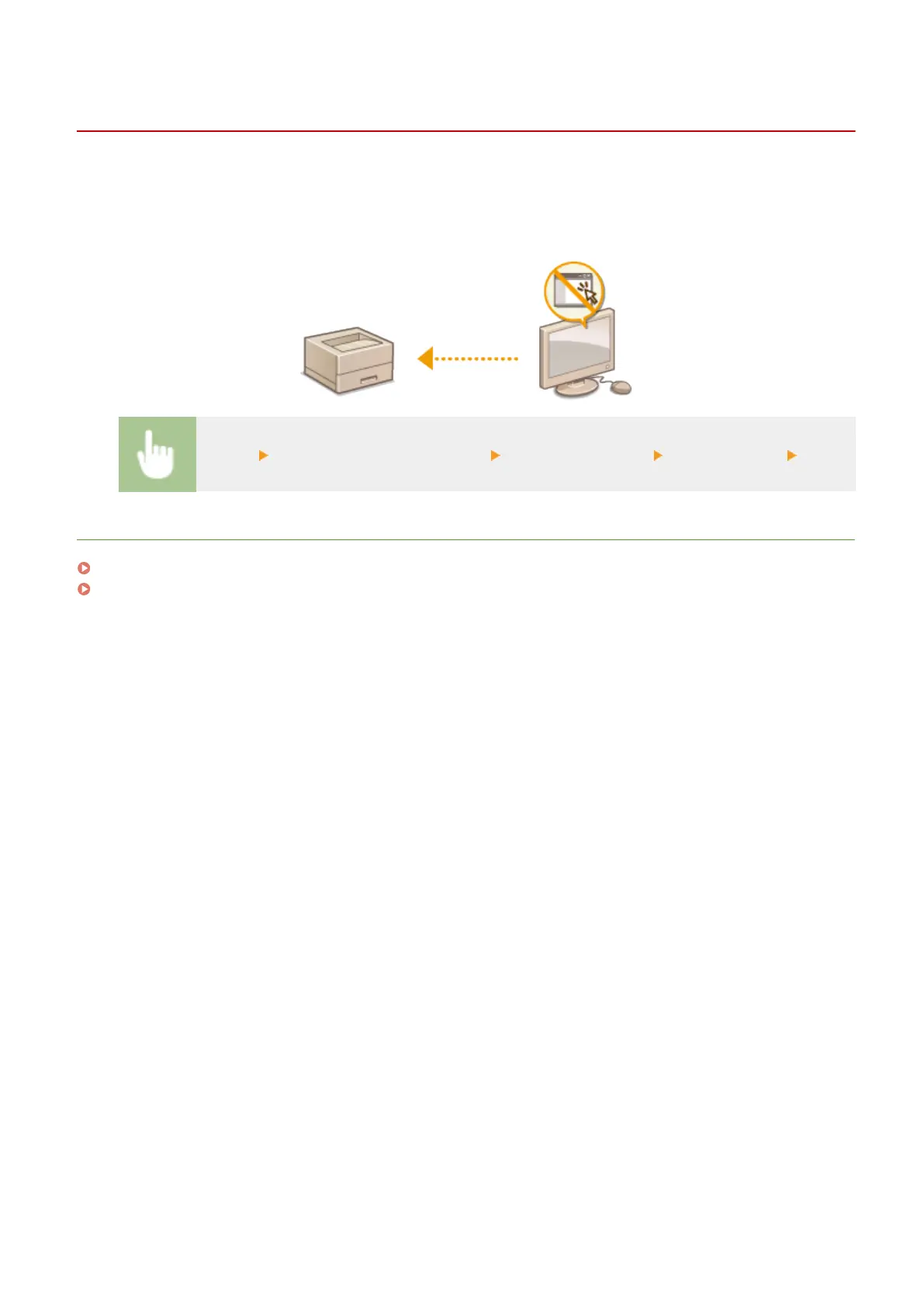
The Remote UI is useful because the machine settings can be specied b
y using a Web browser on a computer. To use
the Remote UI, the machine must be connected to a computer over the network. If the machine is connected to a
computer via USB, or if you do not need to use the Remote UI, you might want to disable the Remote UI to reduce the
risk of having your machine controlled remotely over the network by malicious third parties.
<Menu> <System Management Settings> <Remote UI Settings> <Use Remote UI> <Off>
LINKS
Disabling HTTP Communication(P. 176)
Managing the Machine from a Computer (Remote UI)(P. 178)
Managing the Machine
177














 To Next Page